Minecraft Redstone Basics: How Circuits, Repeaters and Comparators Work
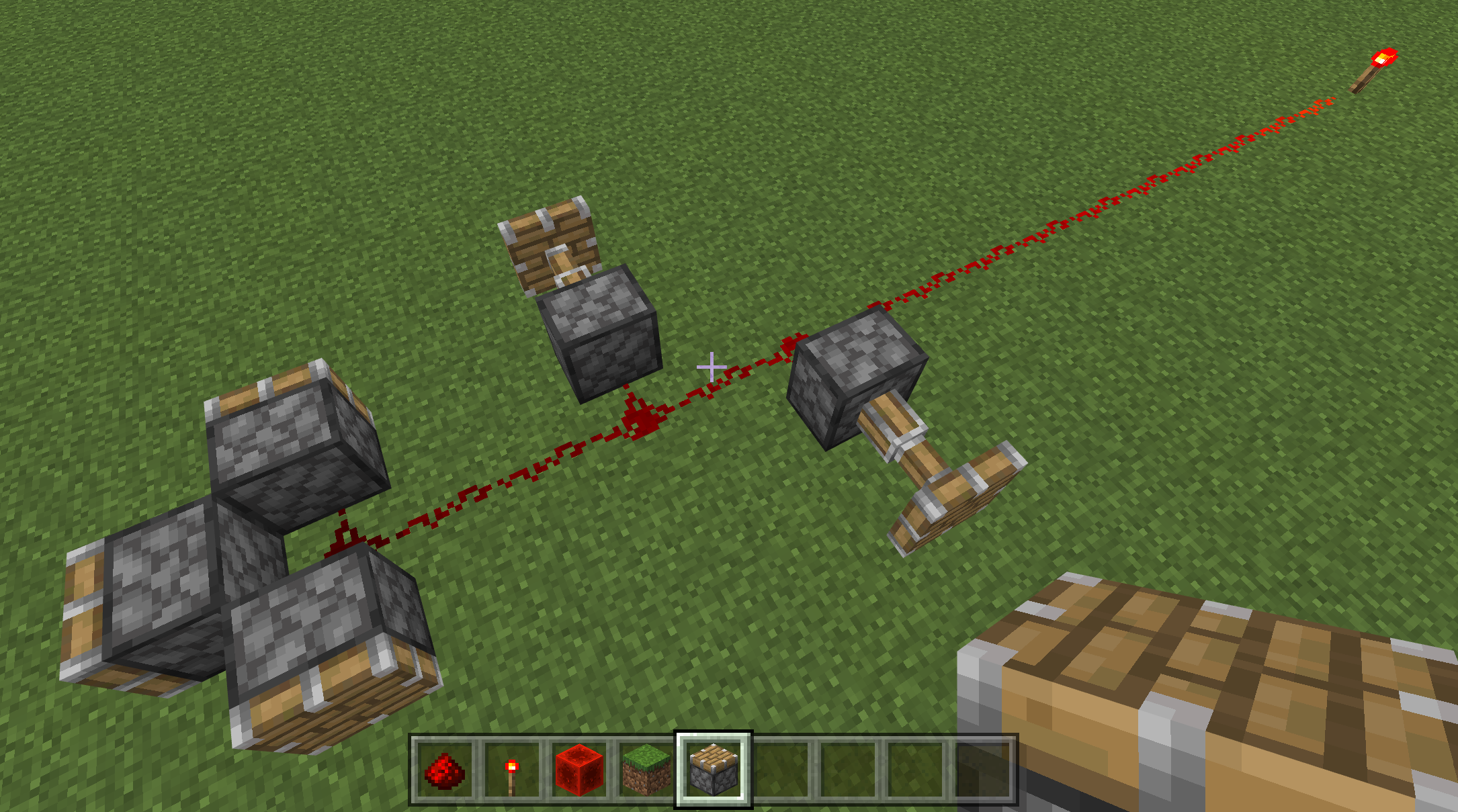
Redstone is Minecraft's wiring system, and most builds fail because of one overlooked rule: signal strength starts at 15 and drops by 1 every block. Here is how signal strength, repeaters, comparators and the rest of the core components actually work, straight from Mojang's own documentation.
Redstone is the closest thing Minecraft has to electrical wiring, and it is also one of the most misunderstood systems in the game. New players place a line of redstone dust between a lever and a door, watch it fail to connect, and give up before ever touching a repeater or a comparator. The mechanics are not complicated once you see the actual rules behind them, and Mojang's own Guide to Redstone lays those rules out block by block.
This guide walks through how signal strength works, which blocks generate power, how repeaters and comparators manipulate a circuit, and the handful of components most builds depend on. Every fact below is pulled directly from Mojang's official documentation, not guesswork, so you can build with confidence the first time.
1. What Redstone Actually Does
Redstone behaves like a simplified electrical circuit. You can power most redstone devices, such as a redstone lamp, by placing a redstone torch on a block next to it. Placing the torch directly on top of the lamp will not power it, but placing a redstone block on top of the lamp will. That distinction trips up almost every beginner, so it is worth repeating: a torch powers the blocks beside and below it, not the block it sits on.
Once you have a power source, redstone dust acts as the wire that carries the signal to the component you actually want to trigger, whether that is a door, a dispenser, or a piston.
2. Signal Strength and Why Your Wire Stops Working
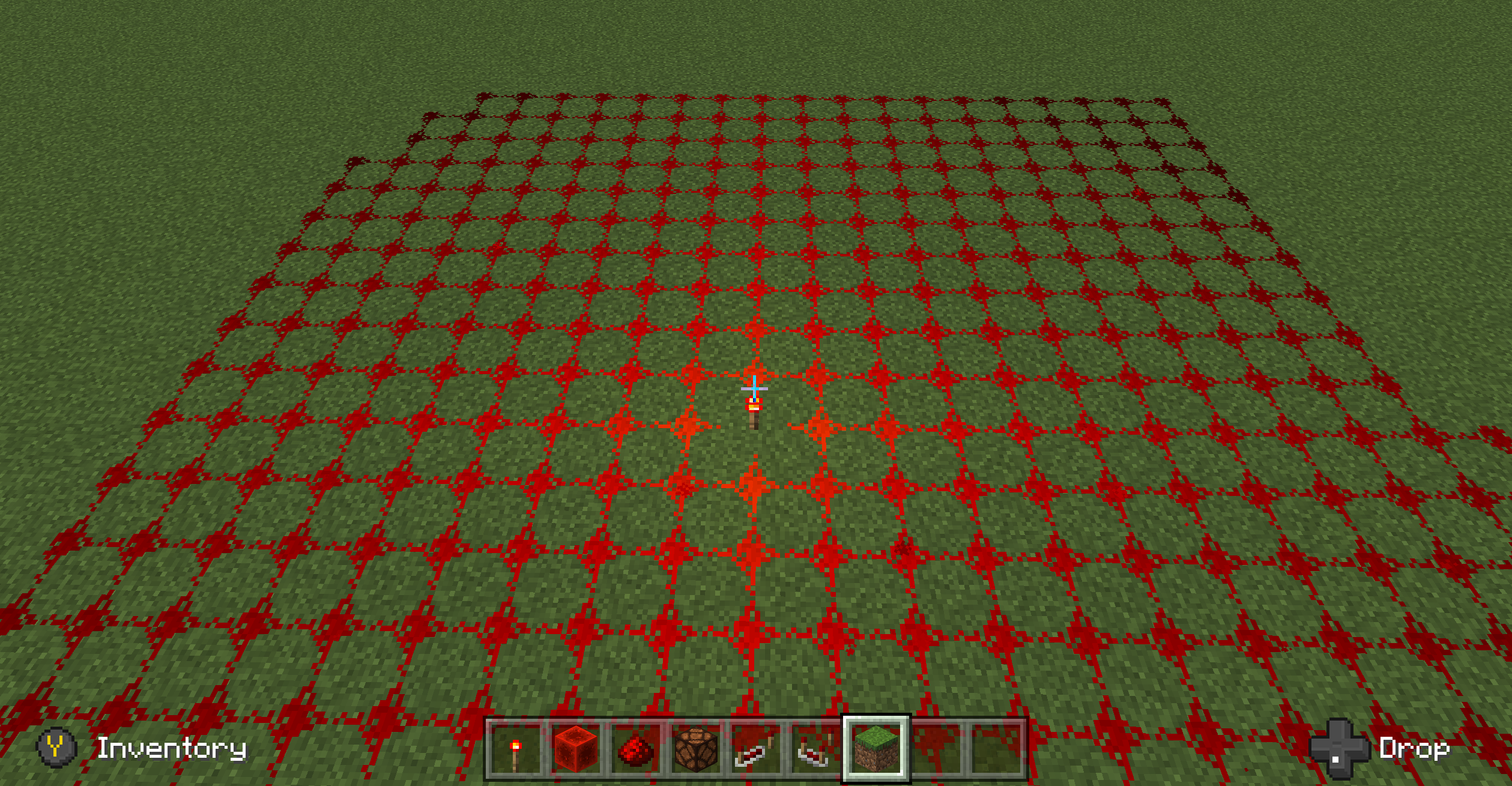
This is the single most common reason a redstone build fails to do anything: the signal ran out before it reached the component. A redstone signal coming out of a power source starts at a strength of 15 and decreases by exactly 1 for every block the line of dust is extended. Both redstone torches and redstone blocks emit a full-strength signal of 15.
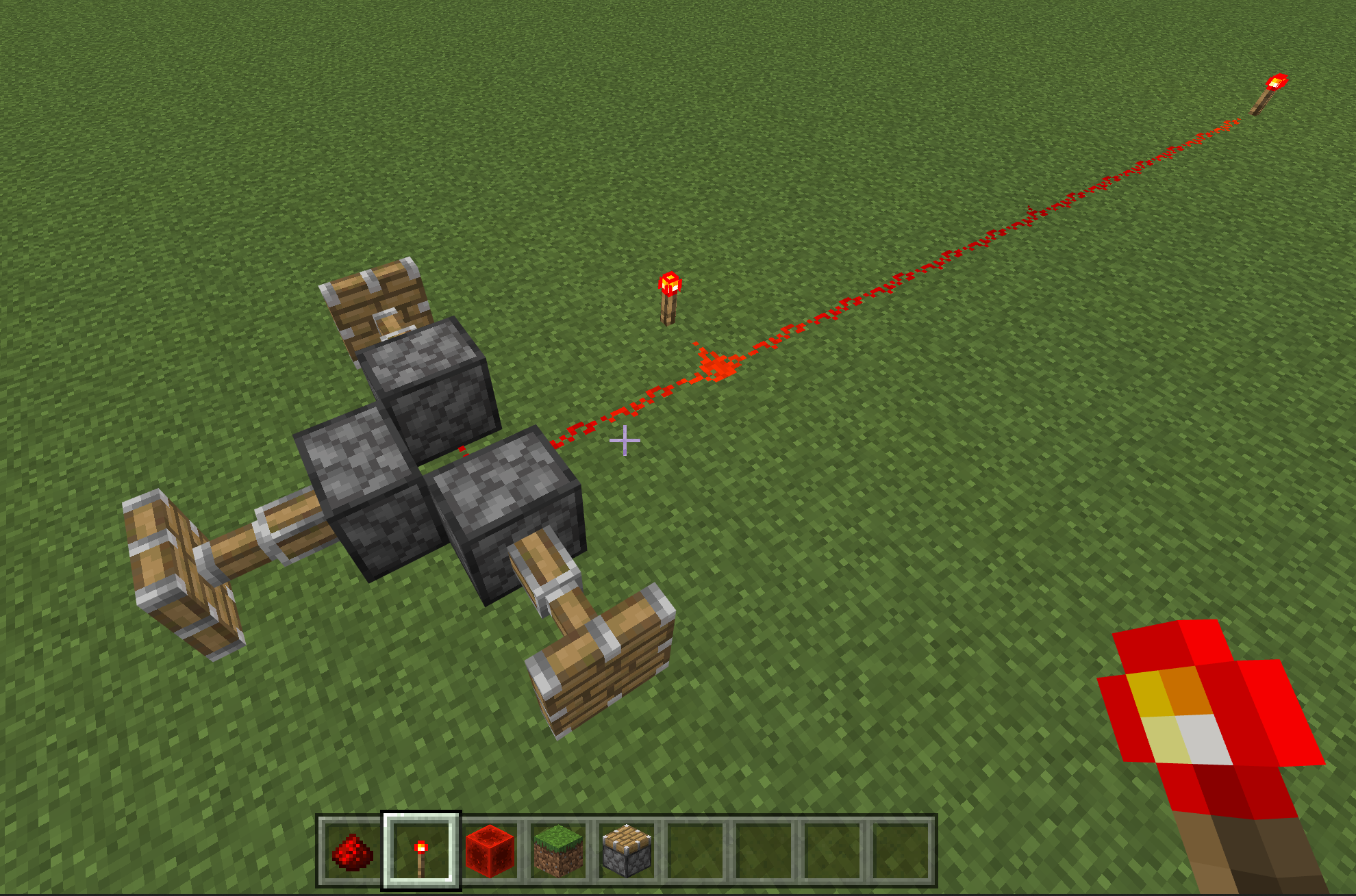
You can see this visually in-game. As dust carries a signal farther from its source, the dust gets visibly darker, and once the signal strength hits 0, nothing downstream of that point will activate.
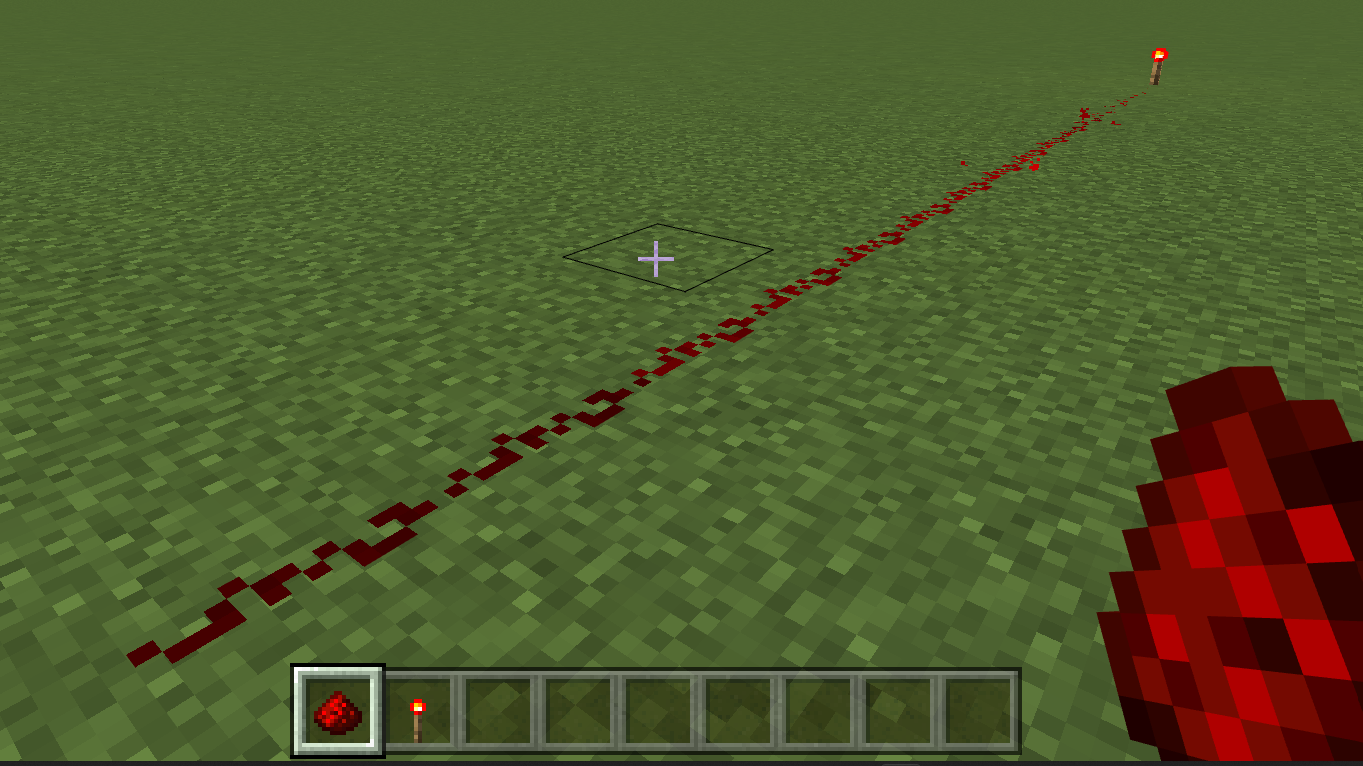
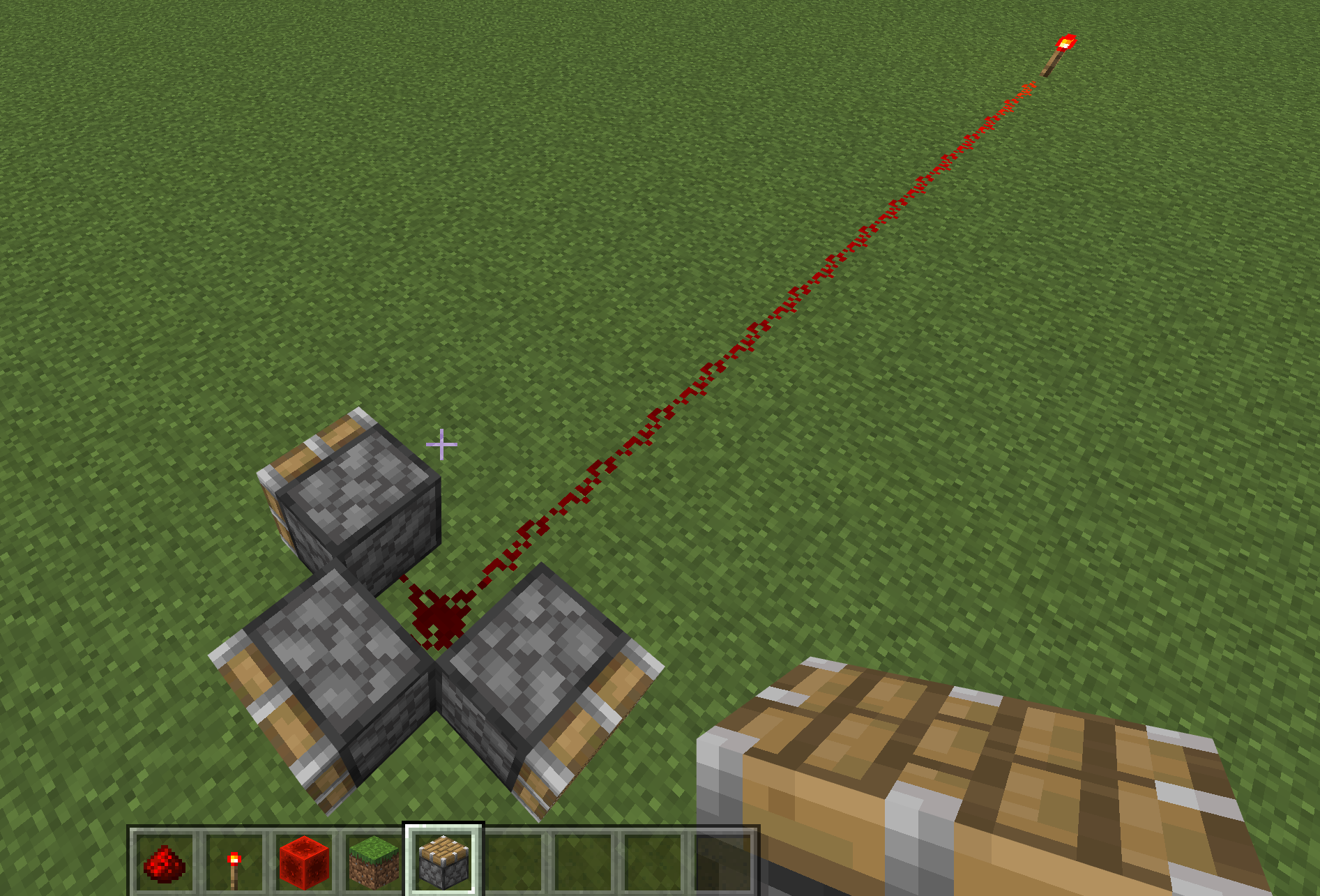
A practical test: place a torch, run a line of dust at least 15 blocks long, then put a piston at the far end. If the dust next to the piston is not glowing, the piston will not extend, no matter how it is wired.
3. Power Sources: Levers, Buttons, Pressure Plates and Torches
A number of blocks generate redstone power without needing redstone in their crafting recipe. Mojang's guide lists the core set:
- Button: produces a short pulse of power when pressed.
- Lever: toggles a full-strength signal on or off.
- Pressure plate (wood or stone): sends a pulse when a player, mob, or (for wood) a dropped item activates it. Different mobs trigger different signal strengths, and the plate deactivates 5 redstone ticks after whatever triggered it leaves.
- Weighted pressure plate (iron or gold): signal strength scales with how many entities are standing on it. The gold ("light") plate needs fewer entities to reach maximum strength than the iron ("heavy") plate.
- Tripwire: emits a signal when the wire is tripped.
- Lectern with a book: emits a pulse each time a page is turned.
Redstone torches work differently from all of these. Power from a torch is continuous rather than pulsed, and a torch can be switched off entirely by powering the block it is attached to — a trick used constantly in more advanced circuits.
4. Repeaters: Refreshing, Delaying and Locking a Signal
Because signal strength drops by 1 per block, any long-distance redstone line eventually needs a boost. That is the repeater's job. Placed along a line of dust, a repeater takes any input of signal strength 1 or higher and outputs a fresh signal at the maximum strength of 15, effectively resetting the countdown.
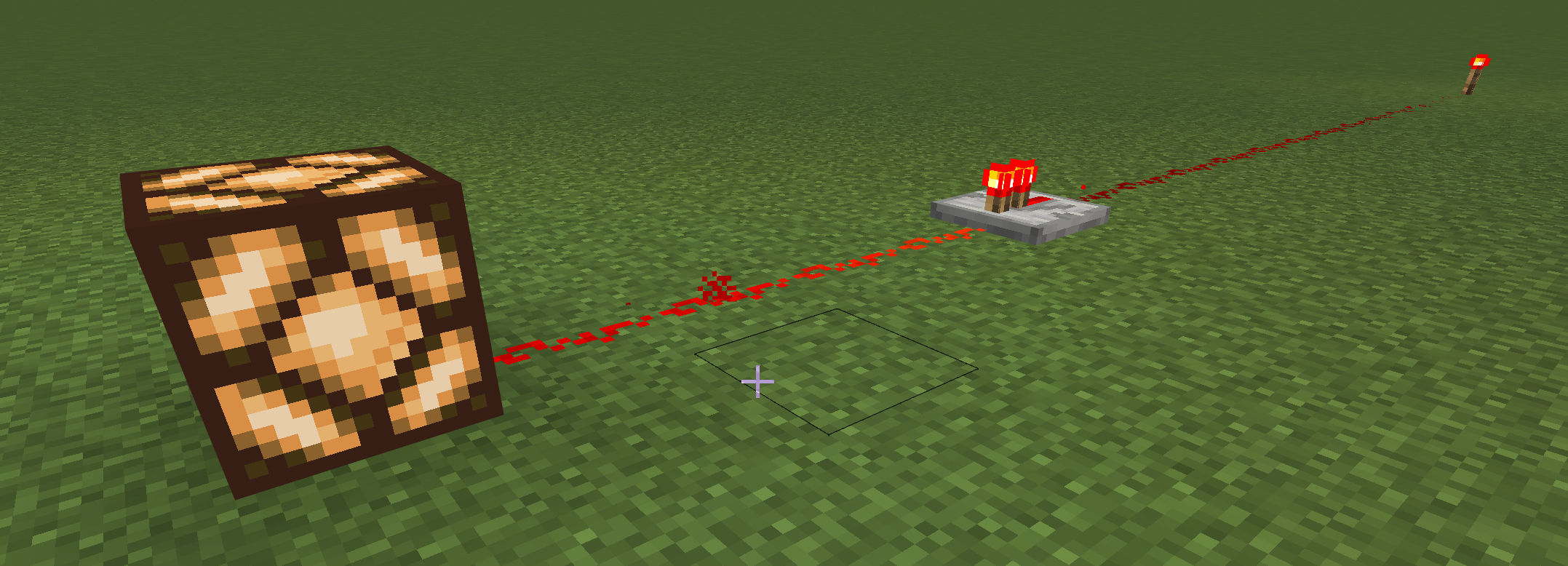
Repeaters also control timing. Every repeater has a built-in delay of 1 tick by default, and right-clicking it cycles the delay up to 4 ticks. If a pulse arrives shorter than the repeater's set delay, the repeater stretches that pulse to match — route a 1-tick pulse into a repeater set to 4 ticks and the output pulse becomes 4 ticks long. This is one of the simplest ways to control timing without touching redstone comparators or command blocks.
5. Comparators: Comparing and Subtracting Signals
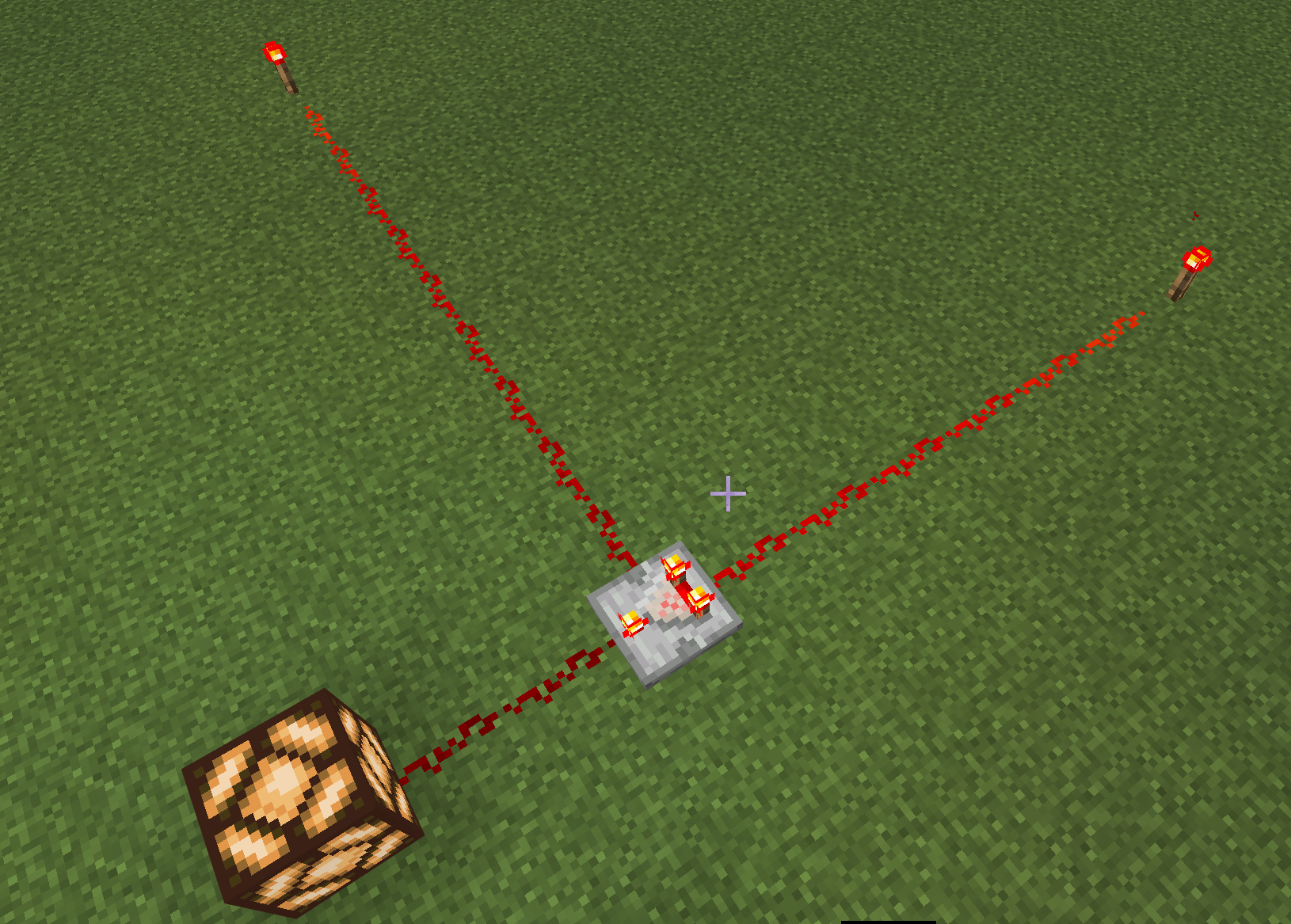
The comparator looks similar to a repeater but behaves very differently. It reads a signal coming into its back and a second signal coming into one of its sides, then compares the two.
In its default mode (the small light on top is off), the comparator passes through the back signal unchanged, unless the side signal is stronger — in that case, it outputs nothing. Right-clicking the comparator switches it into subtraction mode (the light turns on). In this mode it subtracts the side signal's strength from the back signal's strength and outputs whatever is left. Mojang's own example: feed a signal strength of 10 into the back and 7 into the side while in subtraction mode, and the comparator outputs a strength of 3.
Comparators are also how you read the fill level of a container. A chest, barrel, or similar inventory block outputs a signal strength proportional to how full it is when a comparator is placed against it, which is the basis of almost every automatic item-sorting system players build.
6. Pistons, Observers and Other Useful Components
A handful of other blocks show up constantly once you move past basic wiring:
- Piston and sticky piston: extend while powered and stay extended for as long as the signal holds. A piston can push up to 12 blocks at once, takes 1 tick to extend, and 0 ticks to retract. A sticky piston can also pull back the single block stuck to its face.
- Observer: watches the block directly in front of its face. When that block updates, the observer sends a 1-tick pulse out through the back. Observers also pulse when a piston moves them, which makes them useful for detecting crop growth or block placement.
- Dropper: ejects a random item from its inventory when powered.
- Dispenser: functions like a dropper but has special behavior for certain items — firing arrows, releasing mobs from spawn eggs, or placing water and lava.
- Daylight sensor: outputs a signal based on ambient light level, and can be right-clicked to invert so it powers on in darkness instead.
- Trapped chest: works like a normal chest but also emits a signal based on how many players currently have it open, which is the backbone of most hidden-door and shulker-vault designs.
- Redstone lamp: simply lights up while powered, with no delay of its own.
- TNT: primes when powered directly or by an adjacent powered block, with a fixed fuse time of 40 redstone ticks before detonating.
7. Game Ticks vs Redstone Ticks
Minecraft's game clock runs at 20 ticks per second. Redstone, however, updates at half that rate — 10 ticks per second. Understanding this gap matters the moment you start timing circuits, because a component described as having a "1 tick delay" is referring to a redstone tick, not a game tick. Repeaters, comparators, and observers all operate on this slower redstone clock, which is why stacking several of them in sequence is the standard way to build a deliberate delay into a circuit, such as a timed trapdoor or a sequential dispenser setup.
8. A Simple Project to Put This Into Practice
Mojang's own tutorial suggests the fastest way to internalize all of this is a hands-on test in a creative-mode flat world:
- Place a line of redstone dust at least 15 blocks long and put a torch at one end.
- Walk along the line and watch the dust dim as the distance from the torch increases.
- Place a piston near the dim end — it should not react.
- Add a second redstone torch partway down the line to refresh the signal, or swap in a repeater, and watch the piston at the far end activate.
- Once that works, try wiring a lever to a door, then a pressure plate to a set of dispensers, and finally a comparator reading a chest's fill level into a redstone lamp.
Each of those is a self-contained lesson: the first teaches power sources, the second teaches pulses versus continuous signals, and the third teaches how comparators read inventory state. Once all three feel natural, reading someone else's complex build becomes far easier, because it is really just these same pieces stacked together.
Quick Tips Recap
- Signal strength starts at 15 and drops by 1 per block of dust — plan your wiring distance accordingly.
- A torch never powers the block it sits on; a redstone block does.
- Repeaters refresh a signal to full strength and can delay a pulse by 1 to 4 redstone ticks.
- Comparators either pass through or subtract a signal, and can read a container's fill level.
- Redstone updates at 10 ticks per second, half the game's normal 20-tick clock.
Official Resources
- Mojang's official Redstone overview on Minecraft.net
- Guide to Redstone — Microsoft Learn / Minecraft Creator Documentation
Want to put redstone to work in a specific build? Our copper golem item-sorting guide leans directly on comparator logic, and if you are building near a trial chamber's vaults and trial spawners, the same signal-strength rules apply to the redstone already wired into those structures. For a change of pace once your circuits are running, check our guide to villager trading and the best deals, or browse every other Minecraft walkthrough and guide on the site.