Roblox Is Removing YouTube Videos From Game Pages on September 30 — What Creators Need to Do
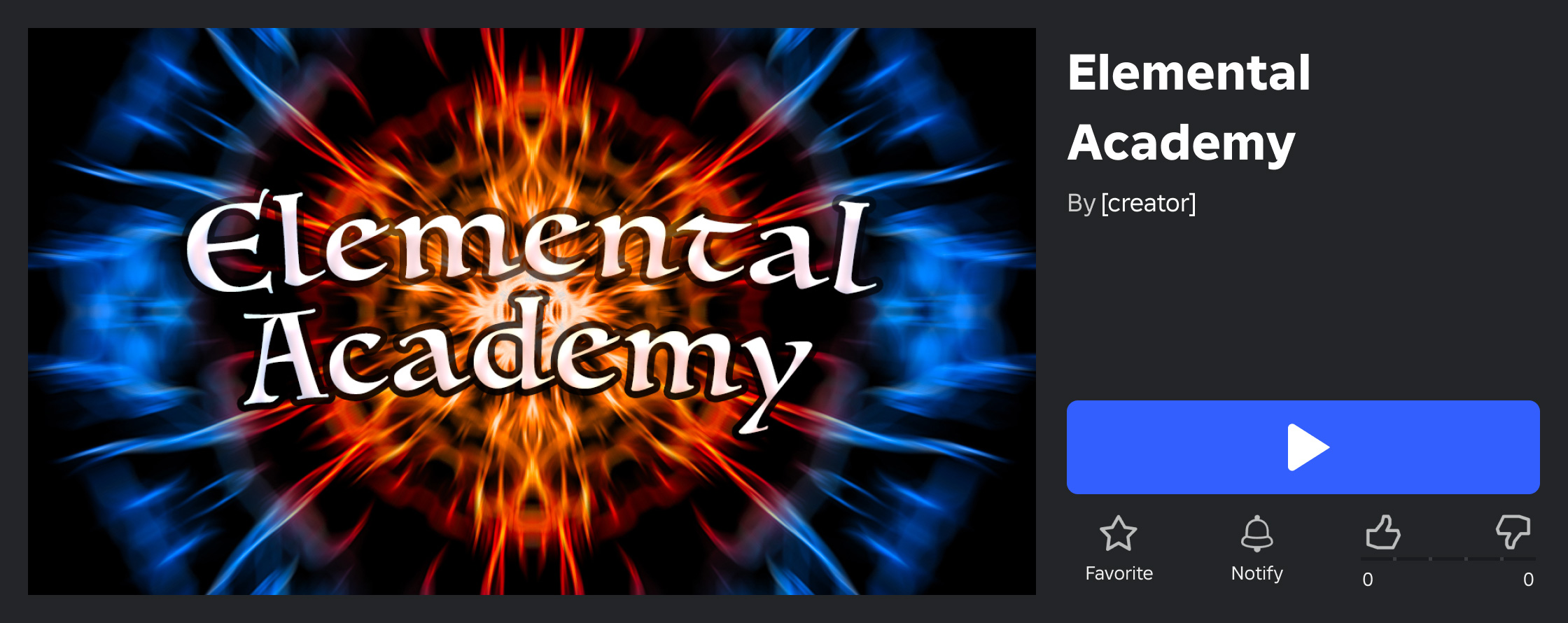
Roblox will automatically remove any YouTube video still embedded on a game's detail page starting September 30, 2026, completing its year-long shift to native Creator Hub video uploads. Here's what's changing, why, and exactly how to upload a replacement video before the deadline.
Roblox is closing out a year-long transition on September 30, 2026: any YouTube video still embedded on a game's detail page will be automatically removed, and only videos uploaded directly through Creator Hub will be allowed to appear there going forward. The change was confirmed by Roblox in a Developer Forum announcement, and it affects every experience that still relies on an old-style YouTube link for its featured video.
If you're a Roblox creator and you haven't touched your game's video settings since before late 2025, this is the week to check. Here's exactly what's changing, why Roblox is doing it, and how to upload a replacement video before the cutoff.
1. What's Changing on September 30, 2026
Starting September 30, Roblox will "complete the previously announced transition to direct video uploads by automatically removing existing YouTube videos from game details pages," according to the official announcement. The ability to add new YouTube videos to a game page was already switched off back in November 2025 — this next step removes the ones that are still live from before that cutoff.
In practice, that means any experience still showing an embedded YouTube clip as its featured video on the game details page will lose that video entirely once the change goes live, unless the creator has uploaded a replacement through Creator Hub first.
2. Why Roblox Is Finishing This Transition
This isn't a sudden decision — it's the last step of a rollout that began in November 2025. Before then, showing a video preview on a game page meant linking an external YouTube video, and Roblox has previously noted that doing this cost creators 500 Robux and the resulting video didn't autoplay. In November 2025, Roblox launched native video uploads instead: a free way to feature real gameplay footage that autoplays as the first thing a visitor sees on a game's page.
Roblox's pilot data at the time suggested the change mattered to players — the original announcement quoted a developer response summarizing the appeal simply: seeing the actual game in action made people more likely to click Play. Removing the legacy YouTube embeds now pushes every experience onto the same first-party video system, which Roblox can review and moderate directly rather than relying on whatever content happens to live on an external YouTube link.
The platform has also been busy on the creator-tools side more broadly this year — see our breakdown of Roblox's newest Build, Scene Generator and 2D Engine updates for the wider picture of where Creator Hub is heading.
3. How to Upload a Video Through Creator Hub
Replacing a YouTube video — or adding one for the first time — takes just a few steps, and it's free:
- Open Creator Hub and select your game.
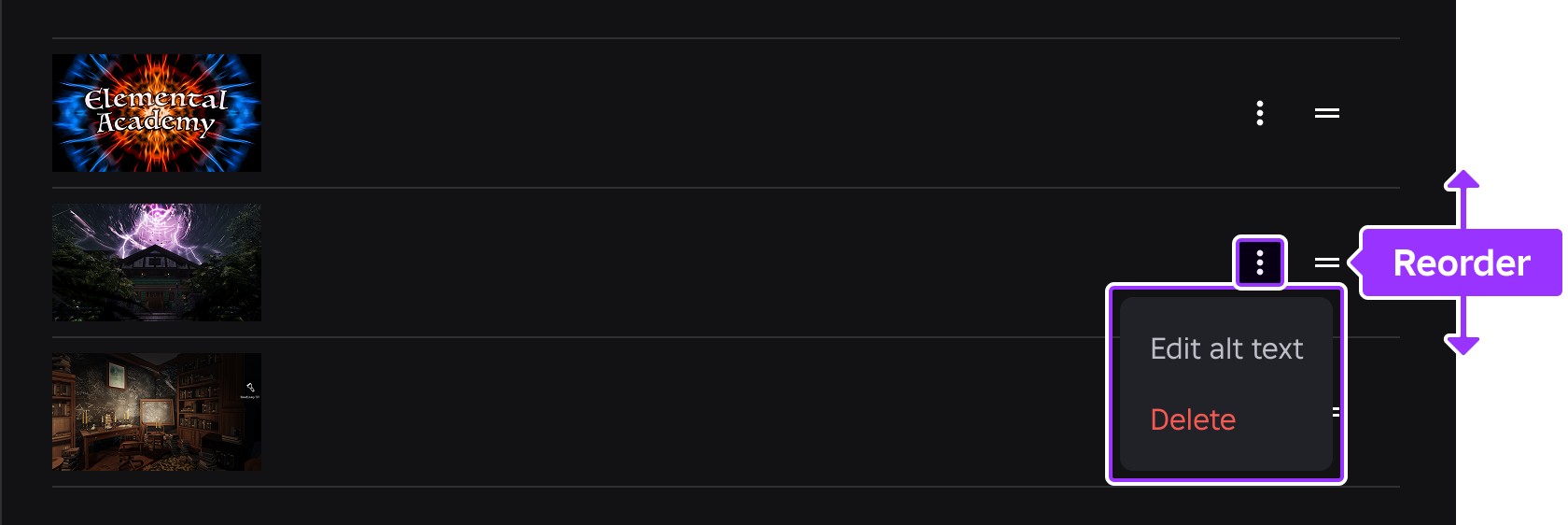
- Go to Configure > Places and select the place you want to update.
- Select Videos from the left navigation menu.
- Upload an authentic gameplay video that accurately represents the current state of your game.
Once uploaded, the video goes through Roblox's review process before it can appear publicly. Approved videos can show up in two places: the game's Home Page card and its Experience Detail Page.
4. Video Requirements, Quota and the Review Process
Roblox's official documentation lays out a few concrete rules for uploaded videos:
- Monthly quota: uploads are free, with a quota of 3 video uploads per month.
- Platform support: Xbox, PlayStation and VR headsets do not currently support video thumbnails — your video will show on supported platforms only.
- What's allowed: cinematic camera work, minor post-processing, curated highlight sequences, in-game UI text, and music from Roblox's own catalog.
- What's not allowed: misrepresented gameplay, artificial visual enhancements not present in the actual game, external footage, spoken audio, or text that functions as an advertisement.
- Review: every video is reviewed to confirm it accurately reflects the game and follows the Community Rules and Terms of Use. A rejected video still counts against your monthly quota, so it's worth getting the footage right the first time.
Uploading a video is a small piece of the same Configure dashboard that controls the rest of your store presence — worth a look alongside anything else you've changed recently, including if your game touches Roblox's other current systems, like the private server limits Roblox Plus subscribers just ran into.
5. Where Your Uploaded Video Can Appear
Creator Hub manages video and thumbnail placement separately for two surfaces: the Home Page (the card players see while browsing) and the Experience Detail Page (the page players land on after clicking a game). Both are configured from the same Thumbnails section of Creator Hub, and Roblox's dashboard shows performance data — impressions, qualified plays, average playtime — for whichever thumbnail or video is currently active on each surface.
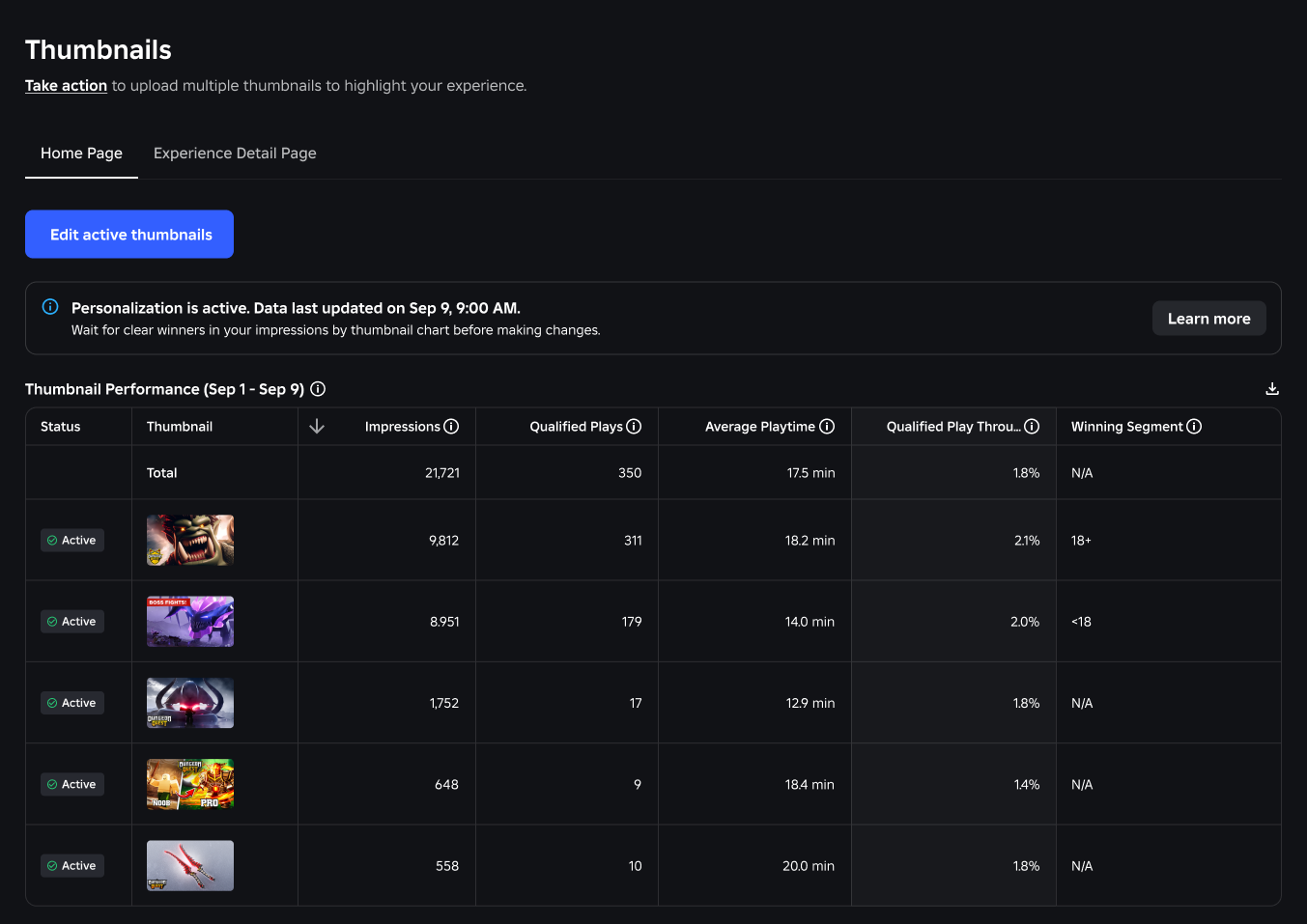
That means it's possible to run a different featured video (or none at all) on the home page versus the detail page — worth checking both tabs so you're not caught out by the September 30 change on one surface while thinking you've already fixed the other.
6. What Happens If You Miss the September 30 Deadline
Roblox has published a short FAQ alongside the announcement that answers the most common questions directly:
- What happens to a YouTube video already on my game details page? It will be automatically removed starting September 30, 2026.
- Can I still feature a video on my game details page? Yes — you can upload a gameplay video for free through Creator Hub.
- Do I need to upload my video again? If you want a video to remain on your game details page after September 30, 2026, you need to upload a video file through the Videos tab in Creator Hub — the old YouTube link will not carry over.
There's no grace period mentioned in the announcement, so a game that does nothing before the deadline will simply show no video until a Creator Hub upload is approved. It's a smaller change than the platform's headline moves this year — for the bigger picture of what's shipped in 2026, our recap of everything Roblox announced at RDC 2026 covers the browser play rollout, standalone apps and the Roblox Wallet.
7. Quick Tips Recap
- Check both the Home Page and Experience Detail Page tabs in Creator Hub's Thumbnails section before September 30.
- If your game currently shows a YouTube video, it will disappear automatically on that date unless you've uploaded a replacement.
- Uploads are free, capped at 3 per month, and go through a review before they can appear publicly.
- Keep footage authentic to current gameplay — no external clips, no spoken audio, no ad-style text overlays.
- Remember that Xbox, PlayStation and VR players won't see video thumbnails regardless of what you upload.
8. Official Resources
- Roblox Developer Forum: YouTube Videos Will Be Removed from Game Detail Pages
- Roblox Creator Hub documentation: Thumbnails and Videos
- Roblox Creator Hub dashboard
For more on what else has changed across the platform recently, browse the rest of our game guides and walkthroughs archive.