Minecraft Dungeons II Multiplayer Guide: Crossplay, Party Codes and Mixed Co-Op Explained
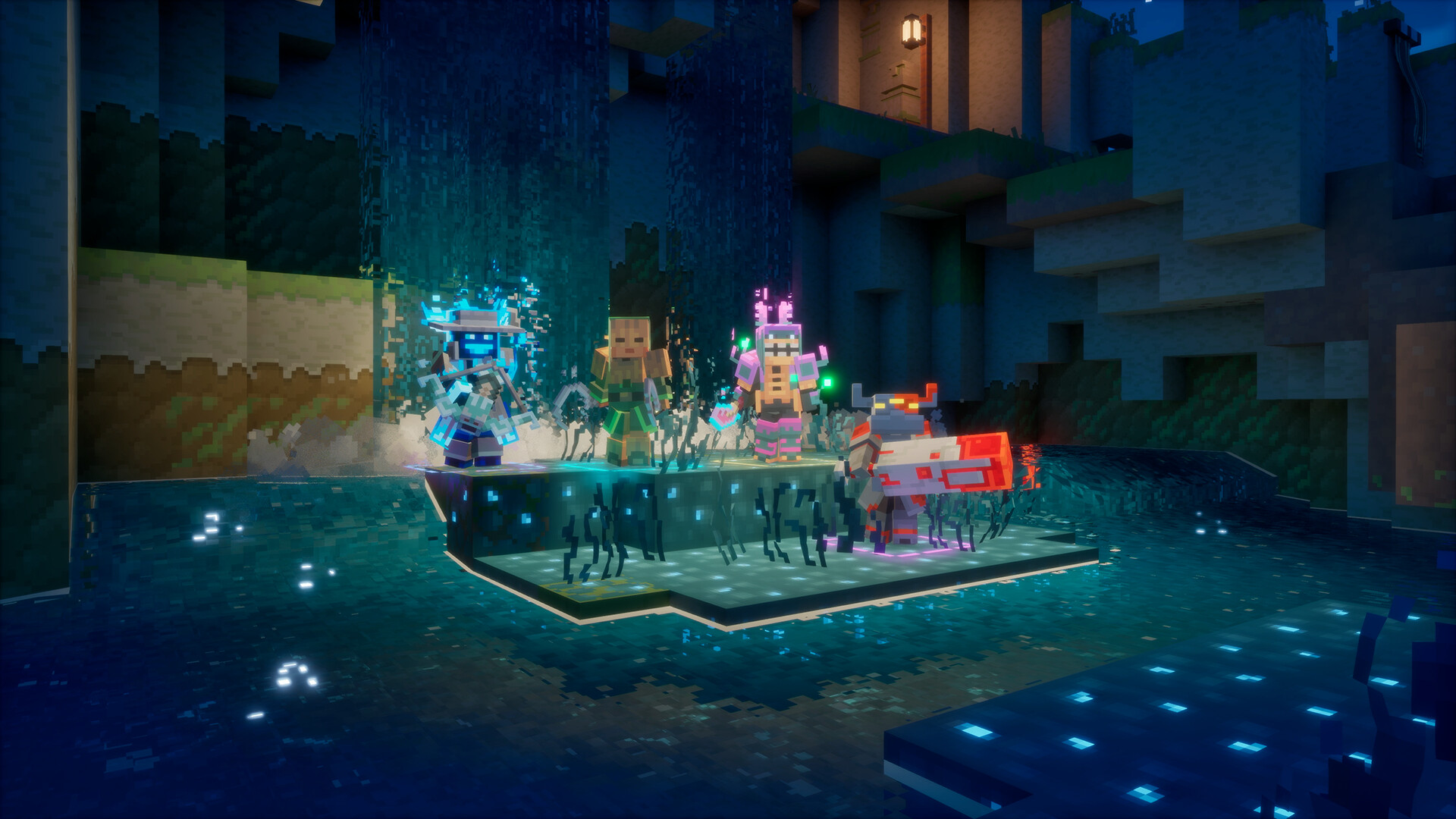
Minecraft Dungeons II was built around what Mojang calls "one-click crossplay." Here's how couch, online and mixed co-op actually work, how party codes and matchmaking get a group together, and how your hero and progress follow you across platforms.
Minecraft Dungeons II launched with a specific multiplayer promise: you should never have to choose between playing next to a friend on the couch and playing online with someone else entirely. Mojang Studios built the sequel around a single idea its own developers call "one-click crossplay" — boot the game up, and teaming up with friends on other platforms should just work, no extra setup required.
This guide breaks down exactly how that works: the difference between couch, online and mixed co-op, how party codes get everyone into the same session, how matchmaking fills empty spots, and what changed under the hood to make the whole thing more stable than the original Minecraft Dungeons.
1. A Sequel Built Around Playing Together
Minecraft Dungeons II is playable solo, but it's designed as a party game first. Up to four players can share a session at once, and according to Stefan Annell, Technical Director on Minecraft Dungeons II, that flexibility was the whole point. "From the start, our motto has been 'one-click crossplay,' meaning a player can boot up the game for the first time and it just works," Annell explained in an official Mojang interview. "The idea is that you should be able to play with your friends without any extra steps getting in the way, even if it means they're on another platform."
That matters because the illagers' plot driving the story — the Grand Illusioner, Supreme Evoker and Prime Enchanter all scheming toward "dimension domination," as Mojang puts it — is built to be fought as a group. For more on how that story kicks off, see our breakdown of Dungeons II's release date and story.
2. Solo, Couch, Online and Mixed Co-Op Explained
Dungeons II supports several distinct ways to play, and they can be combined in ways the original game couldn't manage:
- Solo — one player, no connection or account linking required.
- Couch co-op — multiple players sharing a single device, each with their own controller.
- Online co-op — players connecting remotely from separate devices, including different platforms.
- Mixed co-op — a couch session that also lets remote players join online, so a party can be part local, part online, at the same time.
In the first Minecraft Dungeons, couch co-op was strictly offline. Dungeons II removes that limit: a couch session can be taken online, letting other players drop into the same four-player party remotely. That's the "mixed" part of mixed co-op, and it's new to the sequel.
3. Bringing Your Own Hero to a Friend's Game
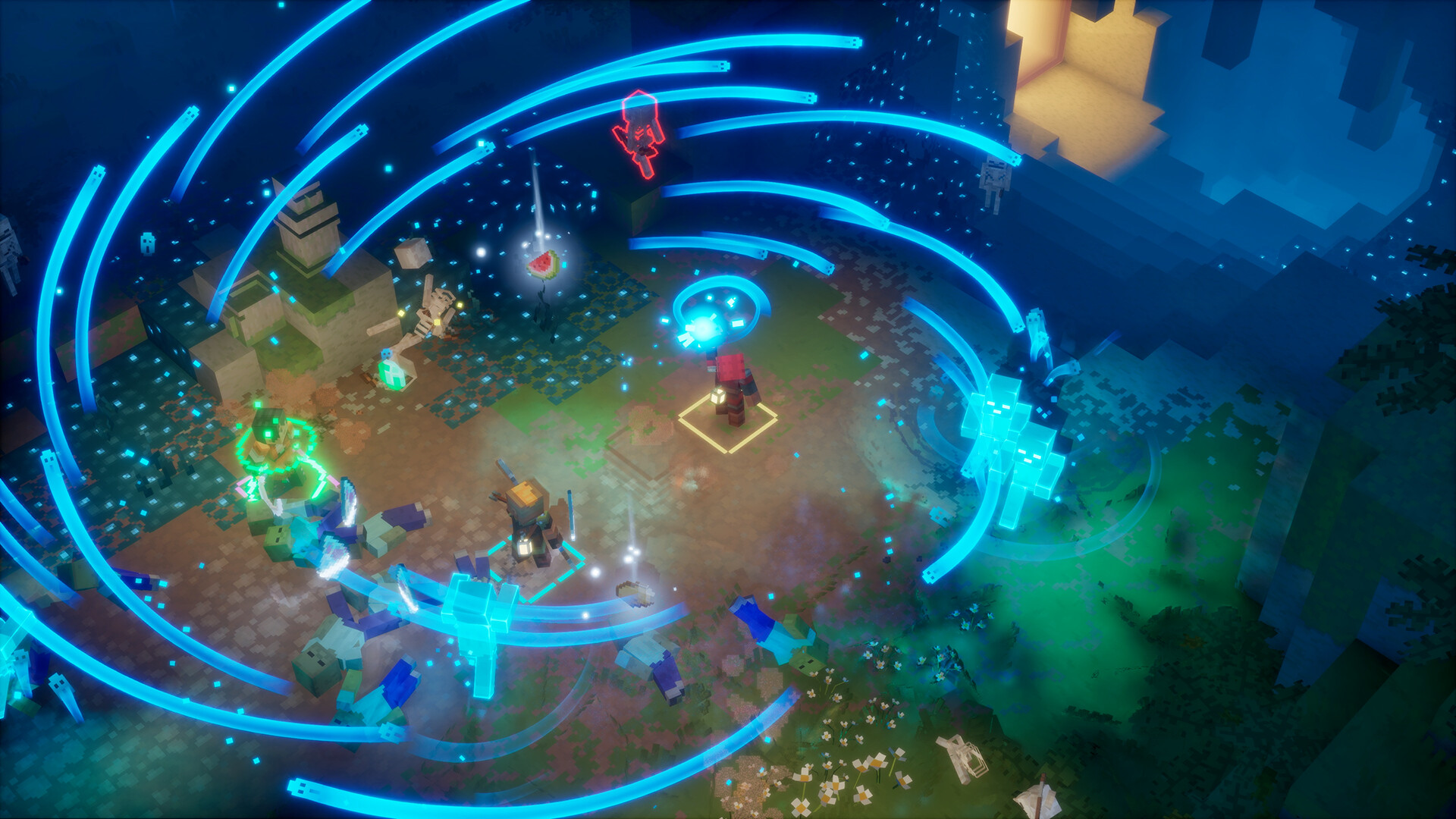
A detail that's easy to miss: your hero isn't tied to one device. "You can even bring your own hero, too," Annell said. "If the platform supports it, you can sign in with your own platform account on a friend's device and carry on with the hero you've been playing with. When you get home, you can pick up from where you left off, with the same hero. We store hero data online in our backend, so your progression isn't tied to one specific device. You just need to sign in with your platform account."
That also extends across platforms, as long as the accounts are linked: signing the same Microsoft account into your different platform accounts lets you keep playing with the same hero wherever you log in. It's the same backend logic that makes the gear, enchanting and parkour systems feel consistent no matter which session you're playing in.

4. Party Codes: The Simplest Way to Team Up
Returning players will recognize the in-game friends list, but Dungeons II also adds something new: the party code. "A party code is an eight-character code made up of letters and numbers, unique to your current party," Annell said. "Your friends enter it in the 'join by party code' dialog and join you directly, through the lobby or an ongoing game, regardless of which platform anyone is using." That last part is the key: a party code sidesteps platform-specific friend lists entirely, so a PC player can hand a code to a friend on console without either of them needing to be on each other's friends list first.
5. Matchmaking: Finding Other Heroes When Friends Aren't Around
If you'd rather play with strangers than coordinate a group chat, matchmaking fills that gap — either to find a full group from scratch or to top off a party that's short a player or two. Mojang designed it to skip the usual lobby wait. "One difference from other competitive matchmaking systems is that we don't have to put the whole group together before a game starts," Annell explained. "We also use a scoring function that looks at things like core quest progress, region, and power level to find a good match. You can be matched with a session that's already under way and jump straight into the action. That makes it easier to find a good match and should help keep queue times short."
6. Dedicated Servers: Why Online Play Should Feel More Stable
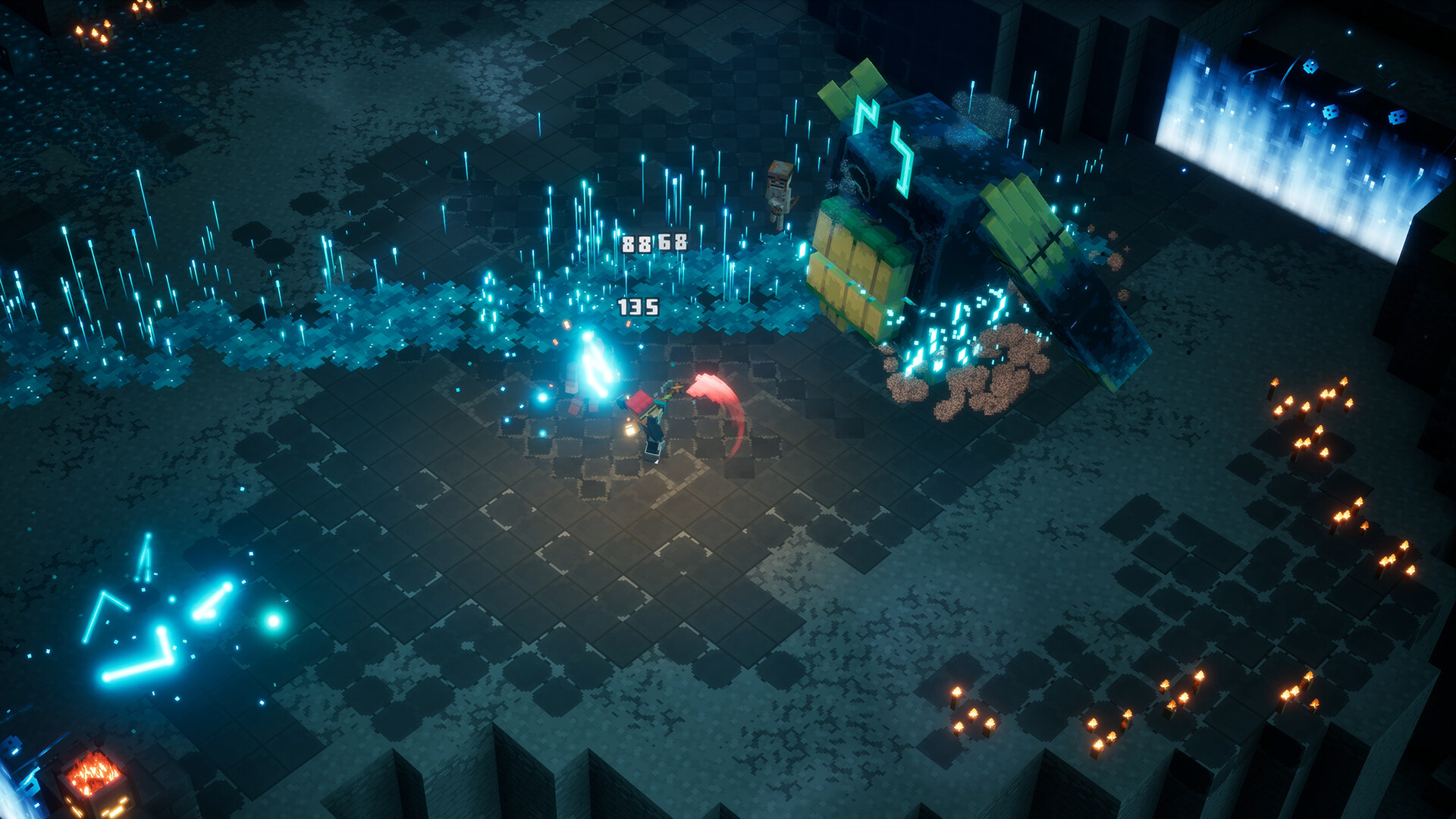
The first Minecraft Dungeons relied on one player hosting the session, which meant everyone's experience was only as good as the host's internet connection and hardware. Dungeons II changes that. "In the first Dungeons, the party leader hosted the online session of a game," Annell said. "If their internet connection struggled or they had a weaker hardware, everyone else in the session would feel it. With Dungeons II, we've moved to dedicated servers, and the game also chooses the best server for the party based on each player's ping." Mojang also says keeping online and offline as separate modes gives the team more control over anti-cheat measures, since the two modes don't have to share the same rules.
7. Crossplay Across Platforms
Minecraft Dungeons II is available on PC (via Steam and the Microsoft Store), Xbox Series X|S, PlayStation 5, and Nintendo Switch, including Switch 2 — and Mojang built crossplay to work across all of them from launch. Steam's own store listing confirms Cross-Platform Multiplayer alongside Online Co-op, Shared/Split Screen Co-op and Remote Play Together as supported features. In practice, that means a party code or a matchmaking session can mix players from completely different storefronts and hardware without anyone needing to buy the game on a specific platform to play with the rest of the group.
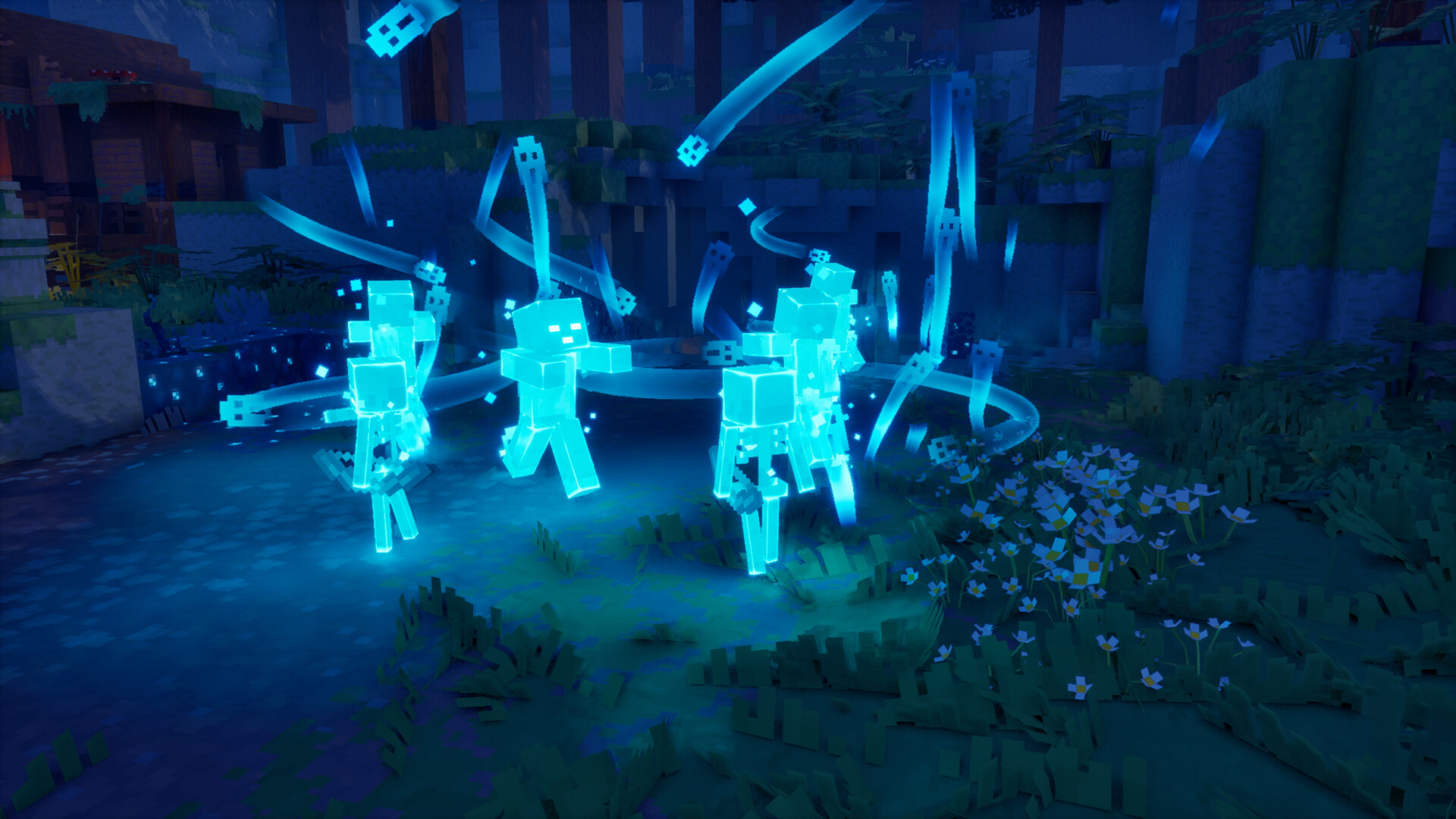
Here's the official reveal trailer, which shows the four-player co-op format in action as heroes push into the Sift for the first time:
8. Quick Tips for Your First Co-Op Session
- Use a party code if you just want to jump in with a specific friend — it works across platforms and doesn't require you to already be on each other's friends list.
- Link your platform accounts to the same Microsoft account if you want to keep playing the same hero when you switch between platforms.
- Try matchmaking if your party is short a player or two — you can be dropped straight into an in-progress session instead of waiting in a lobby.
- Remember that couch and online play can be mixed in the same session, so a two-player couch setup can still pull in two more friends remotely.
- Check what reviewers said about the game at launch if you're still deciding whether to pick it up with a group.
Official Resources
- Mojang: Better together in Dungeons II — the official interview this guide draws from.
- Minecraft Dungeons II official game page
- Minecraft Dungeons II on Steam
For more on the sequel's systems and launch, browse our Minecraft walkthrough archive.