NBA 2K27 Locker Codes Explained: How Redemption Works and What You Can Unlock
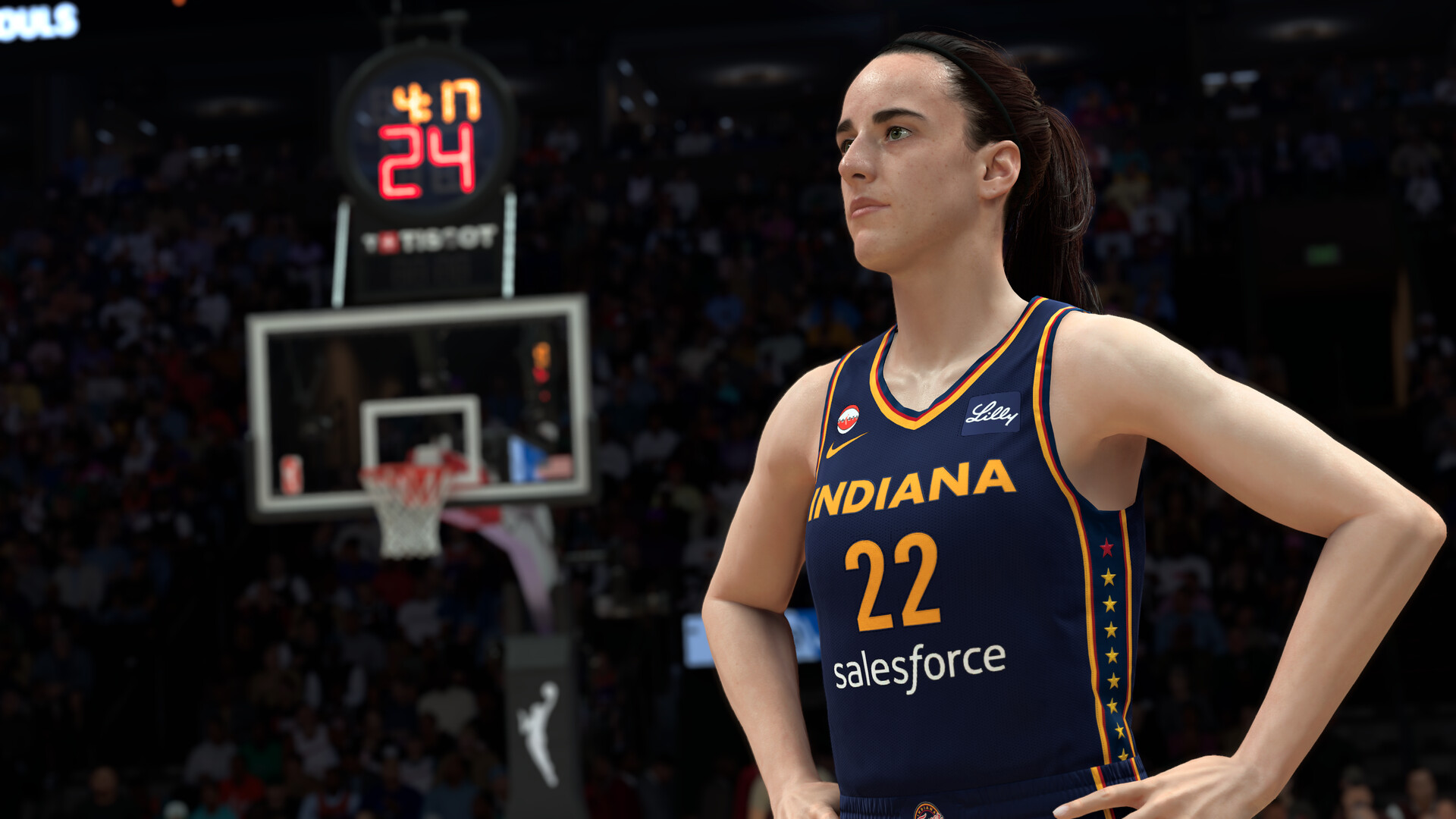
NBA 2K27's Locker Codes unlock free VC, MyTEAM packs, MyPLAYER boosts and cosmetics, but the redemption menus and rules trip up a lot of players. Here's exactly how to redeem a code in MyTEAM, MyCAREER or the MyNBA2K app, what rewards to expect, and how to spot the scam sites that target code searches.
NBA 2K27 hands out free rewards year-round through Locker Codes — short strings of letters and numbers that 2K posts on its own channels and that unlock Virtual Currency, MyTEAM packs, MyPLAYER boosts, and cosmetic items at no cost. The system works the same way it has for years across the NBA 2K series, but the exact menus move around every release, and a surprising number of players lose a code simply by typing it into the wrong screen. Here's exactly how redemption works in NBA 2K27, what you can expect to get, and how to avoid the scam sites that prey on people searching for "free codes."
1. What Is a Locker Code in NBA 2K27?
A Locker Code is a short alphanumeric string, almost always formatted with hyphens (for example XXXXX-XXXXX-XXXXX-XXXXX), that 2K issues to promote a season, a patch, a partnership, or a community milestone. Entering a valid code into the game credits your account with whatever the code was built to deliver — anything from a modest Virtual Currency (VC) boost to a MyTEAM player pack or a cosmetic item for The City. 2K's own support site confirms the basic shape of the system: codes are distributed officially, are meant to be entered exactly as published including the hyphens, and are not case-sensitive when entered through the companion app.
Codes are not permanent. Most run for a window of about a week before 2K deactivates them, though a handful tied to major milestones stay live longer. There is no in-game list of "all current codes" — you have to catch them when 2K announces them, which is part of why this guide focuses on process rather than a snapshot list that would be outdated within days.
2. How to Redeem a Code Through MyTEAM
MyTEAM is where most Locker Codes end up being spent, since a large share of them pay out in packs, MT, or Token currency. From the MyTEAM hub, look for the Locker Codes option inside the market or rewards area of the mode's main menu — 2K has kept this entry point in roughly the same place across recent titles, usually grouped with the Auction House and other MyTEAM-specific menus. Select it, type the code exactly as published (the hyphens matter on console and PC, even if the app is more forgiving), and confirm. A successful redemption drops the reward straight into your MyTEAM inventory or VC balance; a failed one will tell you the code is invalid, already used, or expired rather than silently doing nothing.
If you're building out a MyTEAM roster, it's worth pairing Locker Code pulls with a clear plan for spending the Trade Tokens and MT they generate — our breakdown of how the Exchange and Auction House fit into MyTEAM's economy covers where those resources are best spent.
3. Redeeming a Code Through MyCAREER
Locker Codes that pay out MyPLAYER-side rewards — VC, Boosts, or cosmetic gear for your MyCAREER avatar — are usually entered from within MyCAREER rather than MyTEAM. Pause the game or open the mode's options/extras menu, and look for the same Locker Code prompt. The redemption screen functions identically to MyTEAM's: enter the string, confirm, and the reward lands in your MyPLAYER's inventory or VC total. Using the wrong menu for a given code is one of the most common reasons players think a correct code "didn't work" — a MyTEAM-flagged code won't register from the MyCAREER screen and vice versa, so if a redemption fails, it's worth trying the other menu before assuming the code expired.

4. Using the MyNBA2K Companion App
2K's official MyNBA2K companion app is the easiest place to redeem a code if you're away from your console or PC, or if you just don't want to back out of a game session to do it. The app links to your 2K account, and codes entered there sync back to whichever platform that account is active on. According to 2K's own support documentation, codes entered through the app are not case-sensitive, though the hyphens still need to be included exactly as published. This is also the most reliable fallback if a code appears to fail in-game — redeeming the same code through the app rules out a menu-specific glitch before you assume the code itself is dead.
5. What Rewards Do Locker Codes Actually Give?
Reward types have stayed fairly consistent across NBA 2K releases, and NBA 2K27 follows the same pattern:
- Virtual Currency (VC): small-to-moderate VC drops, often tied to season launches or milestones.
- MyTEAM packs and Token currency: the most common reward type, ranging from standard packs to themed promo packs tied to a specific event.
- MyPLAYER Boosts: temporary attribute or XP boosts for MyCAREER, The City, and The Rec.
- Cosmetics: gear, accessories, or badges for your MyPLAYER's appearance in The City.
- MyTEAM cards: occasionally a specific player card, usually tied to a real-world event or a partnership 2K is promoting.
The size and rarity of the reward usually scales with what 2K is marketing. A routine code tied to a weekly update might only be worth a small VC bump, while a code announced around a season premiere or a major patch can include a themed pack or a boosted-attribute card. None of this is guaranteed from release to release, so treat any specific reward you read about as tied to that one code, not a permanent feature of the system.
6. Where 2K Actually Posts New Codes
The only reliable sources for a genuinely active code are 2K's own channels: the official NBA 2K social media accounts, the 2K and NBA 2K newsrooms, and in-game MyTEAM/MyCAREER news tickers that sometimes flag an active promotion directly. 2K does not maintain a public, permanently updated master list of every live code inside the game itself, which is exactly the gap that unofficial "locker code tracker" sites try to fill. Those trackers can be a convenient aggregator, but they are not 2K and can be wrong, slow to update, or list codes that already expired. If you want to confirm a code is real before typing it in, cross-check it against 2K's verified social accounts rather than trusting a random list.
It's also worth remembering that codes are version-specific. A code built for NBA 2K26 or NBA 2K Mobile will not work in NBA 2K27, even if the formatting looks identical.
7. Common Reasons a Code Won't Work
Most "broken" codes come down to one of a handful of simple mistakes:
- Wrong menu: entering a MyTEAM-only code from MyCAREER, or the reverse.
- Missing hyphens or extra spaces: console and PC entry screens are typically strict about exact formatting.
- Already redeemed: each code is normally limited to one use per account — trying it on a second account on the same platform may still succeed, but a second attempt on the same account won't.
- Expired: most codes are only live for about a week, so a code copied from an old article or forum thread may simply be dead.
- Wrong game version: a code for a different NBA 2K title or a different regional release.
If a code fails and you're confident you copied it correctly, the companion app is the fastest way to double-check whether the problem is the code itself or the in-game redemption screen.
8. Staying Safe: Spotting Locker Code Scams
Because Locker Codes are free and desirable, they attract a steady stream of scam listings — fake "generator" tools, paid code sellers, and social accounts impersonating 2K. A few rules keep you safe: legitimate codes are always free, they are never sold, and redeeming one never requires installing third-party software, completing a survey, or handing over your account password anywhere other than 2K's own login screen. If a site asks you to "generate" a code or pay for one, it isn't a real Locker Code. The only accounts worth trusting are 2K's verified official channels and the in-game prompts themselves.
9. Quick Tips Recap
- Enter codes exactly as published, hyphens included — the redemption screen will tell you if it failed rather than doing nothing.
- Match the code to the right menu: MyTEAM codes go through MyTEAM, MyCAREER/MyPLAYER codes go through MyCAREER.
- Use the MyNBA2K companion app as a fallback if an in-game redemption seems stuck.
- Only trust codes posted by 2K's own verified channels — never a paid listing or a "generator."
- Expect most codes to expire within about a week, so act on them quickly once announced.
Locker Codes are one of several systems 2K uses to keep MyTEAM and MyCAREER moving between content drops — alongside things like the Badge Token and Synergy changes in the new MyPLAYER builder and the season-long content covered in our full MyCAREER Eras walkthrough. For everything else we've covered on NBA 2K27, visit the full walkthroughs archive.