Minecraft 26.3 Wilderness Bound: Every Graphics, Performance and Technical Change Explained
Minecraft's Wilderness Bound update (Java 26.3) brought more than the Dappled Forest biome: it overhauled rendering with Order-Independent Transparency, swapped GLFW for SDL3, and introduced a new Block Transformer system for tools. Here is every technical and engine change explained.
Minecraft's third Game Drop of 2026, Wilderness Bound (Java Edition 26.3, Bedrock 26.50), went live on September 15, 2026, and most of the coverage has focused on the new Dappled Forest biome and the Abandoned Camps scattered across the map. Underneath that, though, Mojang shipped one of the biggest engine and rendering overhauls Java Edition has seen in years. This guide skips the biome tour and walks through exactly what changed under the hood: the new transparency renderer, the switch away from GLFW, a rebuilt Block Transformer system, and several smaller changes that affect how the game looks, feels and runs.
1. Order-Independent Transparency Fixes Minecraft's Oldest Rendering Bugs
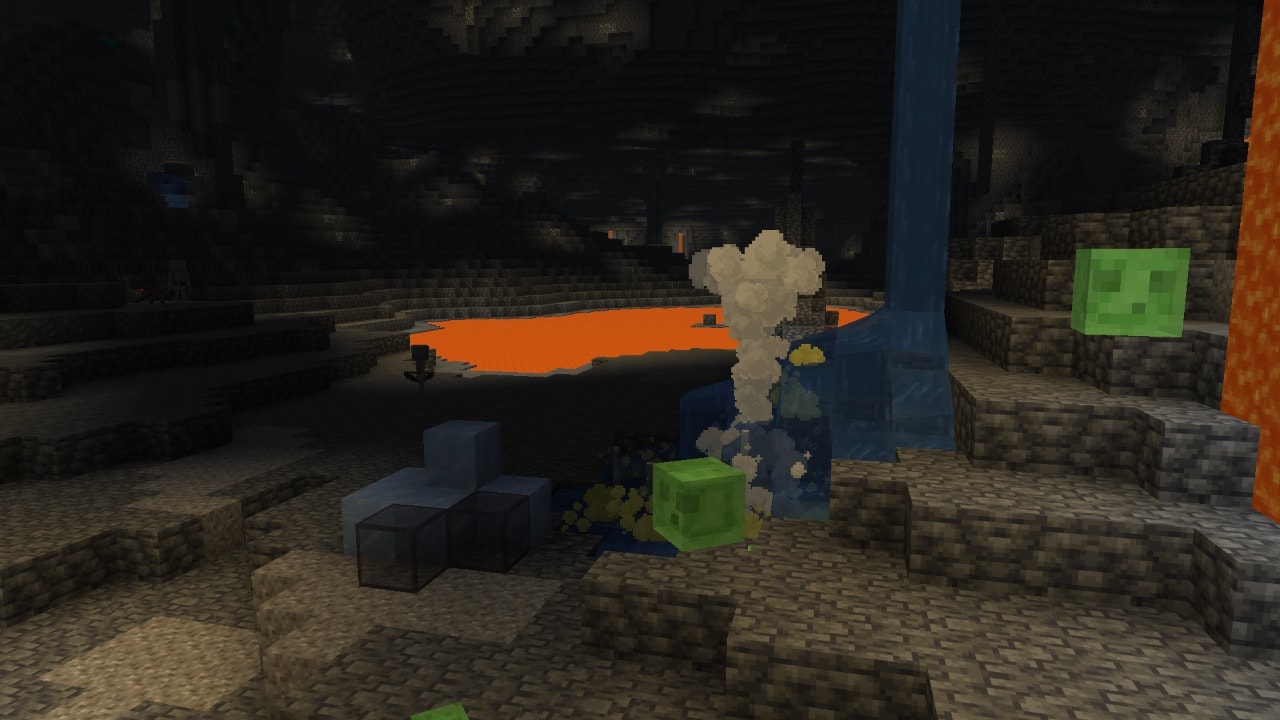
The headline technical change in 26.3 is a new rendering algorithm called Order-Independent Transparency (OIT), which replaces the old "Improved Transparency" post-processing pass. According to Mojang's own patch notes, the new algorithm "fixes all existing major translucency-related visual issues," including cases where objects would simply disappear when viewed through stacked translucent blocks like glass, slime blocks or water.
Anyone who has built a glass greenhouse or stacked slime blocks next to a cave entrance has run into this bug: Minecraft's renderer historically struggled to decide which translucent surface should draw in front of which, and the result was blocks flickering out of view depending on camera angle. OIT solves this by compositing every transparent surface correctly regardless of draw order, at the cost of a higher performance hit and a few new minor visual artifacts that Mojang has flagged as a known trade-off.
2. SDL3 Replaces GLFW for Windowing and Input
Java Edition has quietly swapped out GLFW, the library it has used for years to manage windows, input and platform integration, for SDL3. Mojang's notes describe the change plainly: "Minecraft now uses SDL3 instead of GLFW for window management, input, and platform integration."
The most noticeable effect for players is on keyboard input. Key bindings now use SDL scancodes, which map to the physical position of a key rather than whatever character your keyboard layout assigns to it. If you use a non-QWERTY layout, your control bindings may now behave differently after updating, since the game is reading where the key sits rather than what it's labeled. It's a backend change rather than a new feature, but it's the kind of change that explains why keybinds can feel "off" after a major update.
3. Borderless Fullscreen Is Now the Default, and Raw Input Is Gone
Two related settings changes shipped alongside the SDL3 switch. Borderless Fullscreen is now Minecraft's default fullscreen mode, replacing exclusive fullscreen for new installs. At the same time, Mojang removed the old "Raw Input" mouse option entirely; the patch notes state that "Mouse input now always uses relative mouse mode while playing in-game," which is effectively what Raw Input used to toggle on.
In practice this means two fewer settings to worry about and a fullscreen mode that plays more nicely with alt-tabbing, overlays and multi-monitor setups than exclusive fullscreen did. If your game was previously running in exclusive fullscreen, check your video settings after updating, since your mode may have reset to the new default.
4. The World Options Screen Has Moved to the Pause Menu
A small but genuinely useful quality-of-life change: the World Options button has relocated. It now sits "where the Open to Lan button used to be, accessible from the pause menu," per the official notes. Previously, changing options like difficulty or game rules mid-game required digging through a less obvious menu path; now it's a single click from the pause screen alongside the Open to LAN option, which has shifted to make room for it.
5. Block Transformers: A Unified System for Shovels, Axes and Hoes
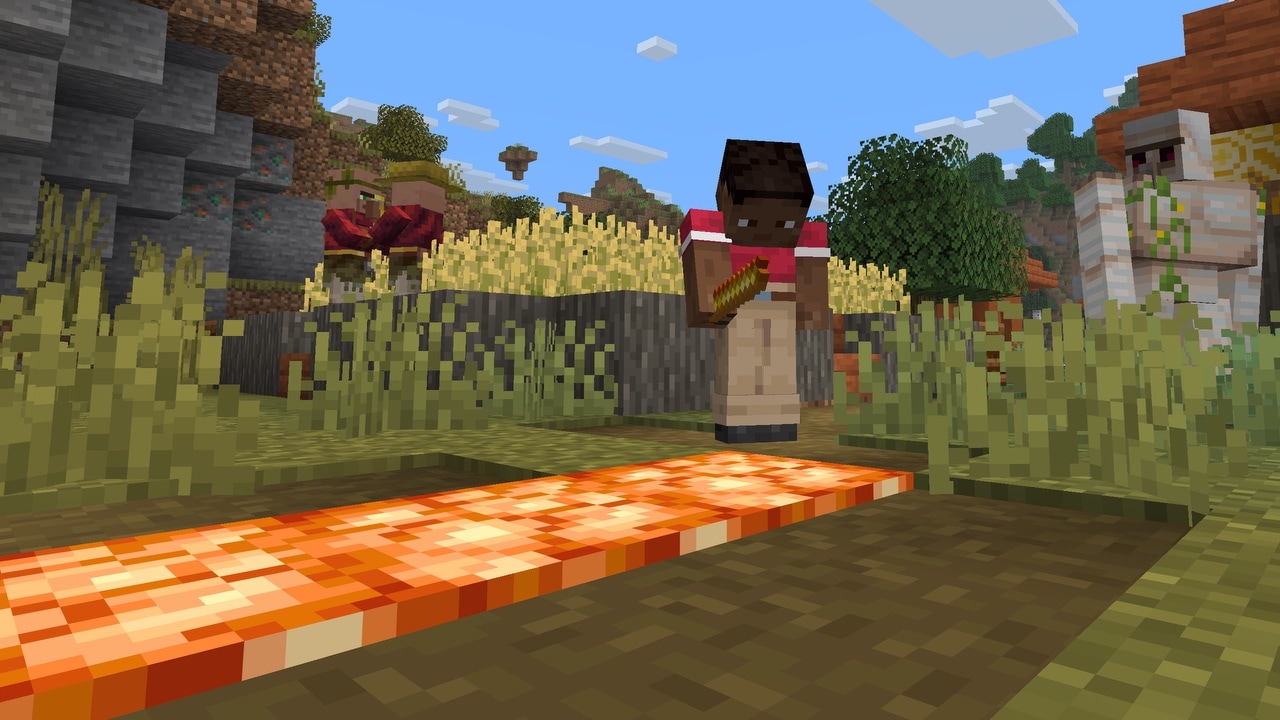
Under the Resource and Data Pack changes, Mojang introduced a new minecraft:block_transformer registry. In the developers' own words, it contains "rules for transforming a block into another block." Each rule can define a resulting block state, a sound, particle effects, which faces of the block disallow the transform, a loot table, a drop strategy, and item-use settings, including whether the tool used is consumed or takes durability damage.
This replaces what used to be hardcoded logic: turning dirt into a path with a shovel, tilling dirt into farmland with a hoe, or stripping logs with an axe were all separate, inflexible systems. Vanilla now defines default transform rules for shovels, axes and hoes through this same registry, which means data pack creators can add their own custom tool-to-block transformations without hacking around the old hardcoded behavior.
6. New Particle Effects: Falling Poplar Leaves and More
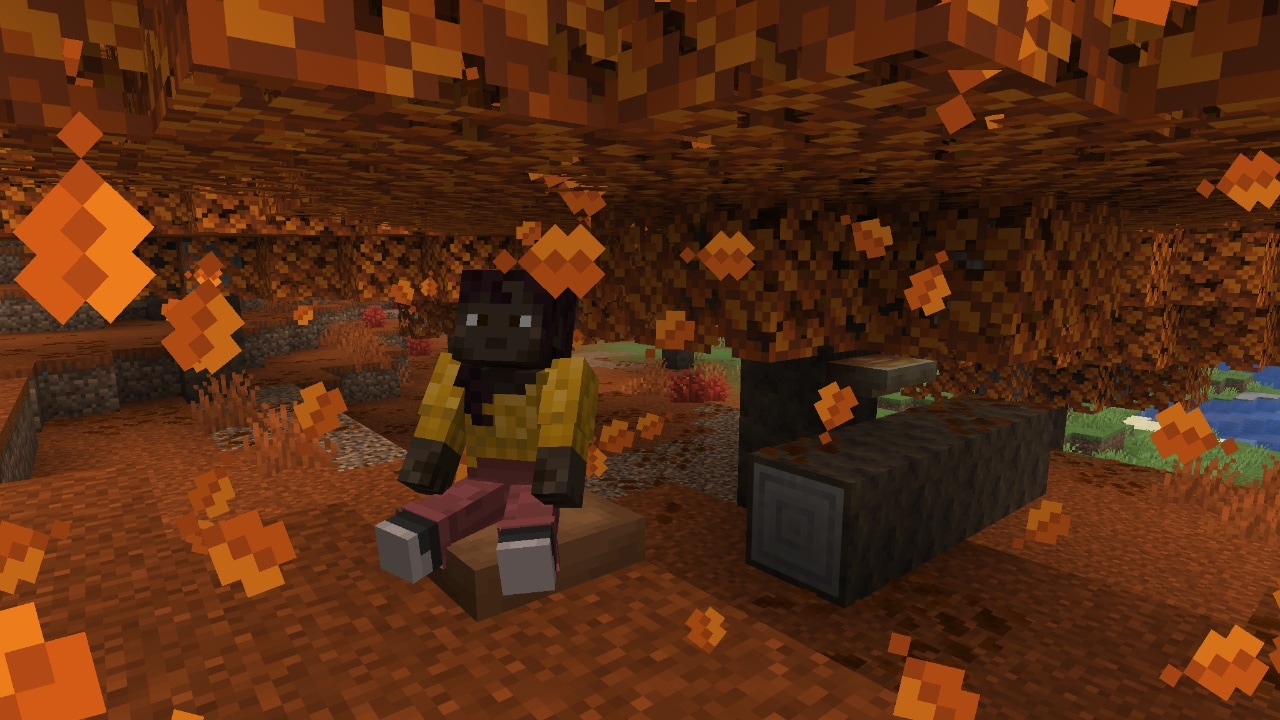
26.3 adds three new particle types tied directly to the Dappled Forest's signature tree: minecraft:red_poplar_leaves, minecraft:orange_poplar_leaves, and minecraft:yellow_poplar_leaves, each of which falls from the matching colored Poplar Leaves block. Mojang also added dedicated particle textures for Shelf Mushrooms and Straw Beds. If you've wandered through a Dappled Forest and noticed leaves actually drifting down around you, that's this system at work rather than a texture pack.
7. The New /posteffect Command and Custom Post-Processing
Mojang also expanded Minecraft's post-processing pipeline. Resource packs can now define a minecraft:end_of_frame post effect, which the notes say "is applied before other post effects, including those enabled by the new posteffect command." That end-of-frame effect runs continuously while its pack is loaded and can't be toggled by the command itself, but the new /posteffect command gives players and map makers a way to trigger other screen-wide visual effects on demand, similar to the way shaders or camera filters work in other engines.
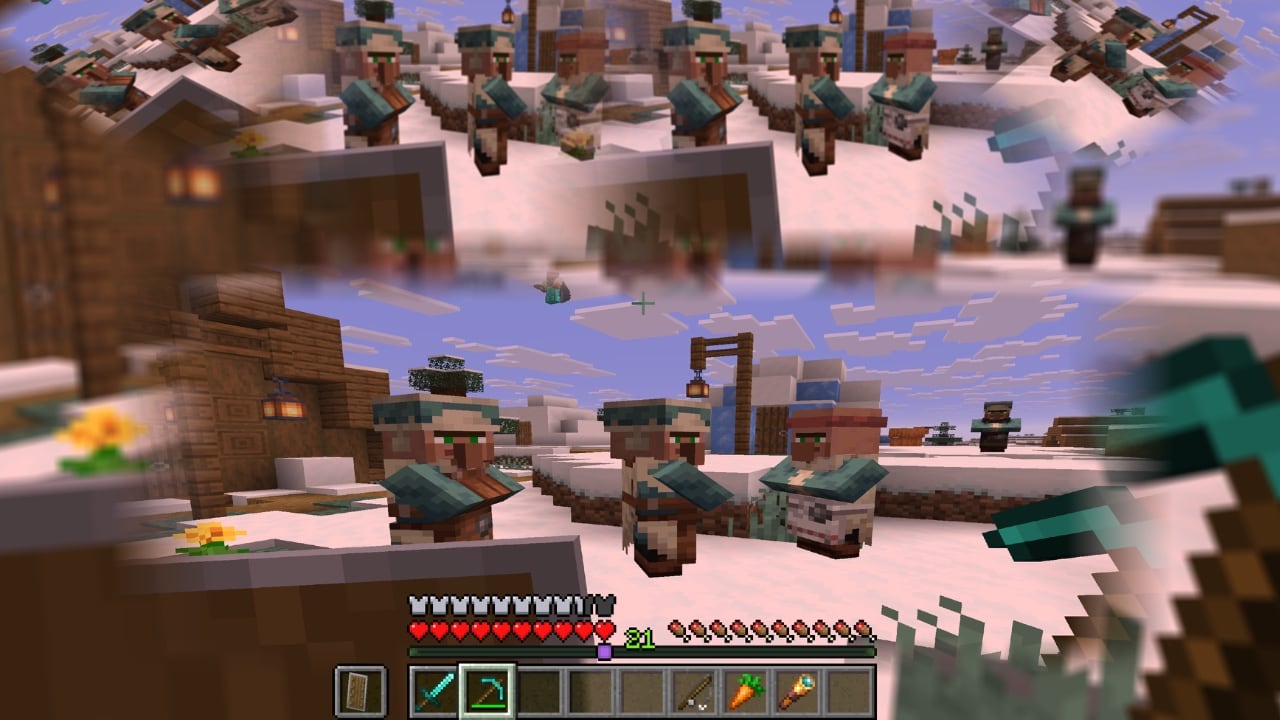
For adventure map builders and command-block tinkerers, this is a meaningful upgrade: cutscene-style blur, color grading or other screen effects no longer require fighting the engine, just a resource pack and a command.
8. Spectator Mode Can Finally Use Portals
A long-standing annoyance is gone: "Players in spectator mode can now interact with portals to teleport," closing out a bug that had players unable to use Nether portals, End portals and End gateways while spectating. If you run a server where moderators or recording crews spend time in spectator mode, you can now move between dimensions the same way players do instead of needing to be teleported manually.
9. Explorer Maps Are Now Their Own Item
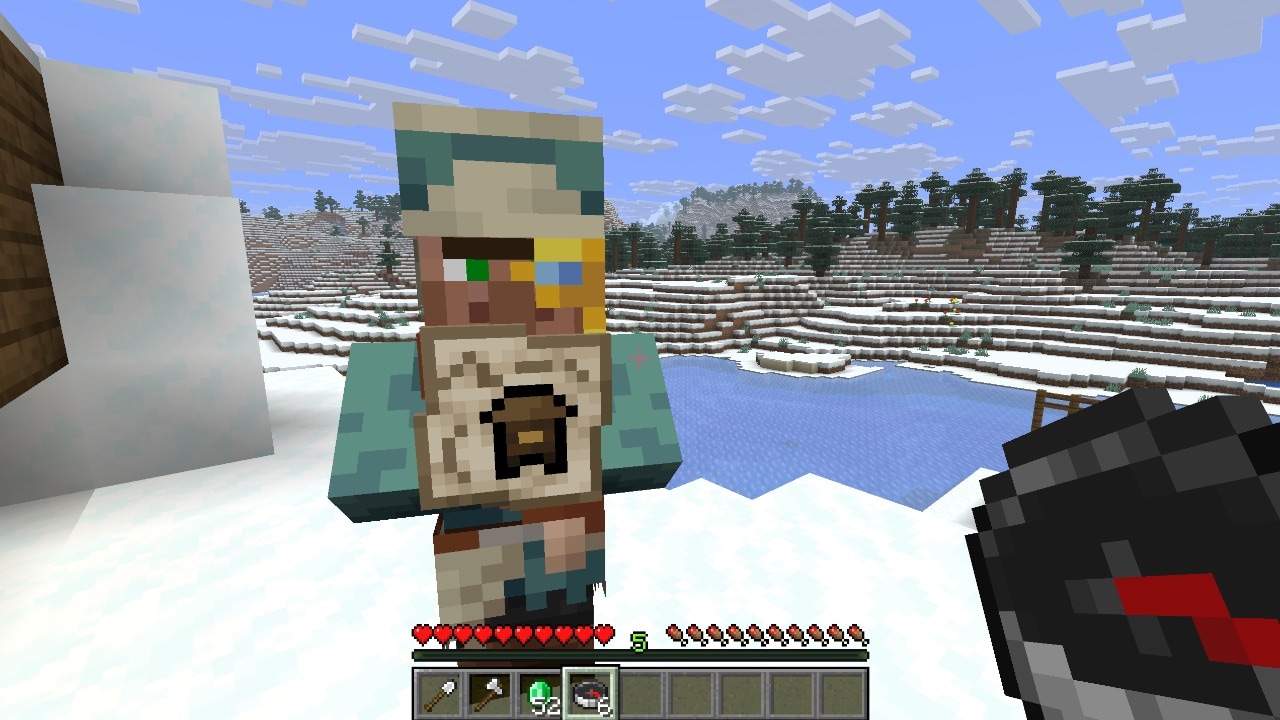
Treasure and structure maps have also been cleaned up technically. Explorer Maps — the maps that point toward Abandoned Camps and other structures — are "now their own items instead of renamed Filled Maps, and each has its own icon." One side effect: Explorer Maps can no longer be zoomed out on a Crafting Table or Cartography Table, since they're no longer just a specially named Filled Map under the hood.
10. Where This Leaves Wilderness Bound
None of this replaces the headline content from Wilderness Bound — if you want the rundown on the Dappled Forest biome, Abandoned Camps, Cushions and the rest of the new building blocks, our full breakdown of the update's biome and content additions covers that ground, and the Poplar wood crafting guide is worth a look if you're planning to build with the new wood set. But the rendering and engine work in this release is arguably more consequential long-term: fixing transparency bugs that have existed for years, moving to a modern windowing library, and replacing hardcoded tool logic with a proper data-driven system all make the game more stable and more moddable going forward.
Mojang is already previewing the next drop, which adds Ice Caves and the Frostbite mob; if your world relies on Realms, it's also worth knowing that Realms picked up its own set of invite code improvements in this same release. For everything else coming down the pipe, check out our recap of what Mojang showed at Minecraft Live 2026, or browse the full Minecraft and other game walkthroughs archive for more guides.
Quick Tips Recap
- Check your video settings after updating — Borderless Fullscreen is now the default fullscreen mode.
- If your keybinds feel different post-update, it's the SDL3 scancode switch, which reads physical key position rather than layout.
- World Options is now accessible straight from the pause menu, where Open to LAN used to sit alone.
- Expect a performance trade-off from Order-Independent Transparency; it fixes long-standing glass and slime-block rendering bugs but costs more to render.
- Data pack creators can now hook into the minecraft:block_transformer registry instead of working around hardcoded tool behavior.