GTA 6 Needs Up to 212GB: How to Get Your PS5 or Xbox Series X|S Ready Before November 19
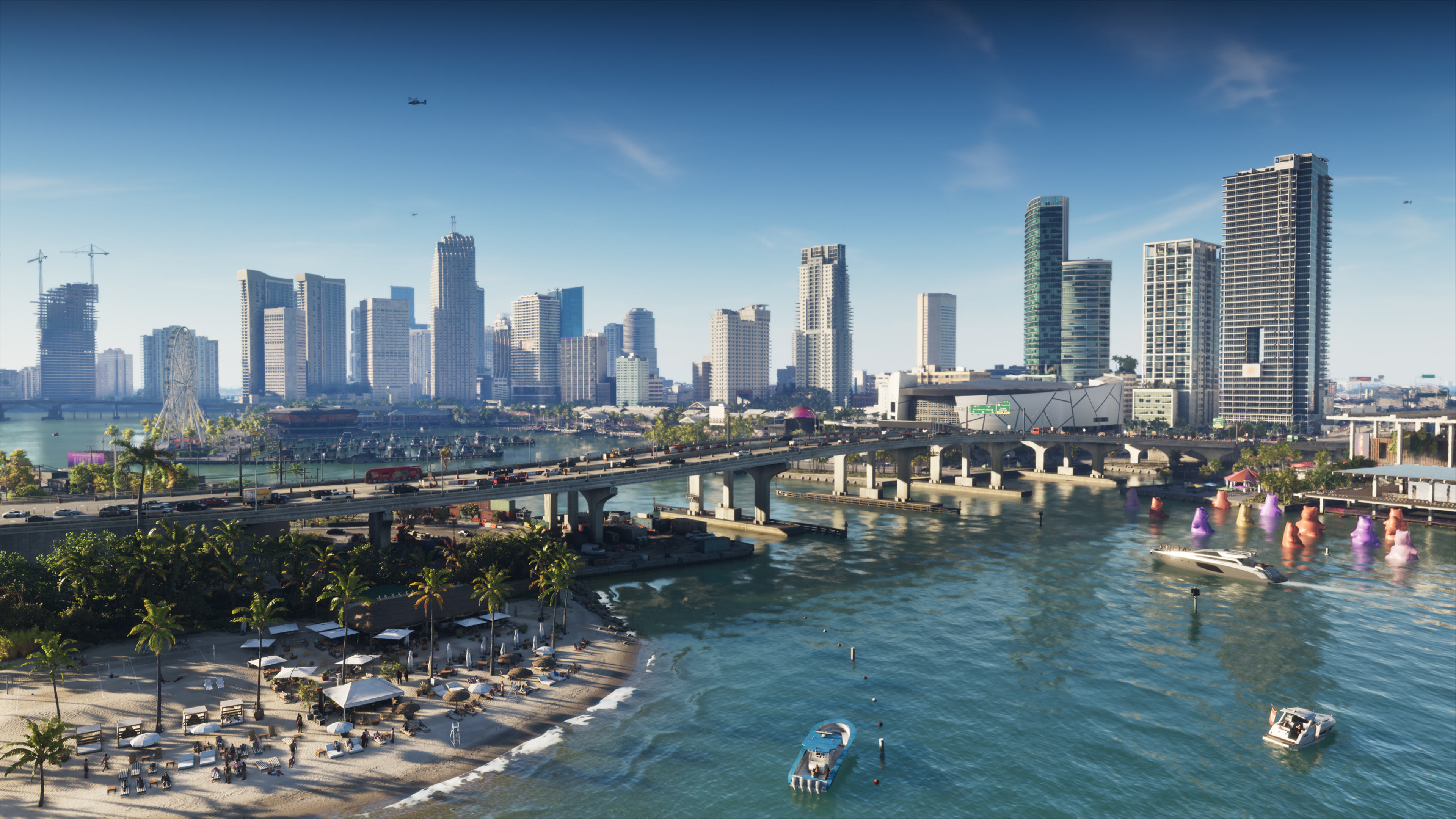
Rockstar has confirmed that Grand Theft Auto VI's pre-load requires up to 212GB of free storage ahead of its November 19 launch on PS5 and Xbox Series X|S. Here's exactly how much space you need, which expansion drives are compatible, and how to clear room before the game unlocks.
Grand Theft Auto VI launches on PlayStation 5 and Xbox Series X|S on November 19, 2026, and Rockstar Games confirmed in a November 10 Newswire post that digital pre-loading is already open on both consoles. The catch: Rockstar says the full install needs up to 212GB of free storage depending on your device, one of the largest day-one footprints console gaming has seen.
That number is big enough to cause real problems if you haven't checked your free space yet, especially on consoles with smaller drives. Here's what the 212GB figure actually covers, how to check whether you have room, and how to add storage on PS5 and Xbox before launch day.
1. How Big Is the GTA 6 Install, Really?
Rockstar's own wording is "up to 212GB," which leaves room for the exact number to vary a little by platform, region, and whether a day-one patch lands on top of the pre-loaded files. Pre-loading itself doesn't unlock the game early — it just gets the files sitting on your console's drive so the game is ready to play the moment your region's launch window opens on November 19. If you pre-ordered digitally on PS5 or Xbox Series X|S, the pre-load should already be visible in your library or downloads queue.
Retail buyers aren't left out either: Rockstar has said physical copies ship as a code in the box rather than a disc, and that code supports pre-loading the same way a digital purchase does once it's redeemed.
Worth noting if you're budgeting time as well as space: a 212GB download is a multi-hour job on most home connections, even a fast one. Starting the pre-load as early as possible, well before November 19, is the only way to guarantee the game is actually playable the moment your region's servers open rather than sitting in a download queue while everyone else is already in Vice City.
2. Checking How Much Free Space You Actually Have

Before you do anything else, check your current free space rather than guessing:
- PS5: Settings > Storage. This screen shows how much space is free on your console storage and on any installed M.2 SSD or connected USB extended storage.
- Xbox Series X|S: Profile & system > Settings > System > Storage. This lists internal storage separately from any expansion card or USB drive.
212GB is a big ask on either platform's base internal drive once the operating system, other installed games, and saved media are accounted for. Xbox Series S owners should be especially careful: early teardown and press testing of the console put its usable internal storage at roughly 364GB out of the advertised 512GB, since part of the drive is reserved for the system software. A single GTA 6 install could consume more than half of what's actually available.
3. Expanding Storage on PS5

What SSD Specs You Need
Sony's own support guide for adding an M.2 SSD to a PS5 console specifies a PCIe Gen4 x4 M.2 NVMe SSD (Key M) — M.2 SATA drives are not supported. The drive needs its own cooling structure, such as a built-in heatsink or a heat-transfer sheet; Sony explicitly warns against installing one without it. Supported physical sizes are 2230, 2242, 2260, 2280 and 22110, and capacity support generally runs from 250GB up toward several terabytes depending on your region's listing. Sony notes it can't guarantee every drive meeting these specs will work, so check compatibility with the drive maker before buying.
Once it's installed, make sure your system software is fully updated, then format the new SSD the first time you use it (this erases any existing data on the drive, so don't install a used drive with files you still need). After that, PS5 treats it like any other install location for games and apps.
4. Expanding Storage on Xbox Series X|S

Officially Licensed Expansion Cards
Xbox Series X|S doesn't support generic internal SSD upgrades. Instead, Microsoft's accessories lineup is built around proprietary Storage Expansion Cards that slot into the port on the back of the console and match the console's internal read speeds. Seagate's official card (available in 512GB, 1TB and 2TB capacities) was the original option, and Western Digital's WD_Black C50 card has since launched as a second licensed choice in 500GB and 1TB sizes. Either one installs in seconds with no tools required — you simply push the card into the rear slot.
A basic USB external hard drive can still store Xbox games, but Microsoft restricts current-generation titles to console storage or an official expansion card for the best performance, so that's the route to take for GTA 6 specifically.
5. Clearing Space Without Losing Progress

If a new drive isn't in the budget right now, both consoles make it easy to free up space without wiping your save data:
- Both PS5 and Xbox store save files separately from the game install (locally and via cloud saves for Plus/Game Pass subscribers), so uninstalling a game you've finished won't erase your progress — you can reinstall it later and pick up where you left off.
- Sort your storage list by size (both consoles support this) and target the single biggest games you're not actively playing rather than deleting a handful of small ones.
- Remember that some games bundle large add-on packs, DLC or hi-res texture packs as separate, deletable items — check your storage menu for anything listed under a game's name before removing the whole install.
6. Physical vs. Digital: What Changes for Pre-Load
Digital buyers are pre-loading right now; retail buyers need to redeem their box code first. Once redeemed, the download behaves the same way on both consoles — there's no separate "disc install" step, since GTA 6 ships without a physical disc at all. If you want the exact regional pre-load windows and launch-time breakdown rather than the storage side of things, we've covered everything confirmed so far about release-day pre-load times separately.
7. What Else Comes With Your Pre-Order

Storage aside, Rockstar is selling GTA 6 in two editions: a $79.99 Standard Edition and a $99.99 Ultimate Edition that adds extra vehicles, weapons and properties. Every pre-order also comes with the Vintage Vice City pack, and digital pre-orders on PlayStation include a redeemable free month of GTA+. For the full rundown of what's in each tier, see our breakdown of every GTA 6 pre-order bonus and edition difference. If you're still deciding where to play, our guide to which platforms GTA 6 is actually launching on covers the PC question too.
Quick Tips Before November 19
- Check Settings > Storage (PS5) or Settings > System > Storage (Xbox) now, not on launch night.
- Budget for the full 212GB, not just "enough" — Rockstar's figure is a maximum, and a day-one patch could add more.
- PS5 owners need a PCIe Gen4 M.2 NVMe SSD with a heatsink; SATA drives won't work.
- Xbox owners should use an officially licensed Seagate or WD_Black Series X|S expansion card rather than a generic USB drive.
- Uninstalling finished games is safe — your save data and cloud saves aren't deleted with the install.
For more on launch week, browse our full library of GTA 6 guides and walkthroughs as new details are confirmed.