EA Sports FC 27: Cross-Play and Cross-Progression Explained — Which Platforms Connect and How to Turn It Off

EA Sports FC 27 lets friends on different consoles play together, but only within strict limits. Here's exactly how cross-play's platform groupings work, why Nintendo Switch is excluded, and what actually carries over when you switch consoles under cross-progression.
Short answer: yes, your EA Sports FC 27 squad can play with friends on a different console, but only up to a point. EA groups platforms by generation rather than letting everyone mix freely, and "cross-progression" (carrying your save or your Ultimate Team club between machines) follows a separate, stricter set of rules. Here is exactly how both systems work, straight from EA's own support documentation, plus how to turn cross-play on or off if you would rather keep matches within a single platform.
This guide covers which platforms can face off against each other, why Nintendo Switch and Switch 2 are left out, the exact menu steps to toggle cross-play, and what actually survives a move from one console to another.
1. What Cross-Play Actually Means in EA Sports FC 27
Cross-play simply lets you and your friends play together even if you own EA Sports FC 27 on different platforms. According to EA's official support article, cross-play in FC is available on PC, PlayStation, and Xbox. It is switched on automatically the first time you load the game, so unless you have gone looking for the setting, you are already playing with a wider pool of opponents than just people on your own console.
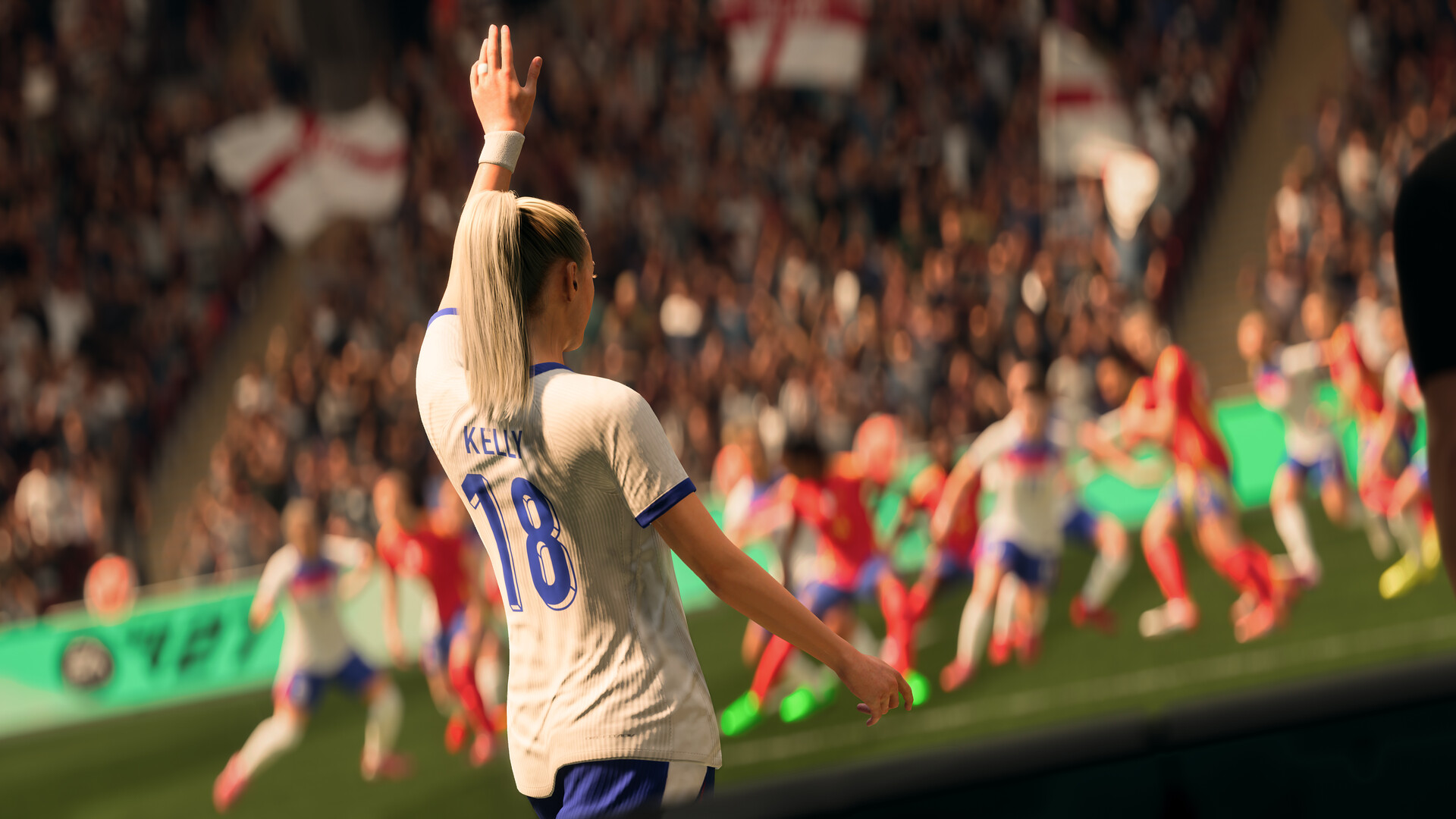
2. Current-Gen and Last-Gen: How EA Groups Platforms Together
Cross-play is not a free-for-all between every box that can run the game. EA groups players by platform generation, and you can only be matched with people inside your own group:
- Current generation: PlayStation 5, Xbox Series X|S, and PC
- Old generation: PlayStation 4 and Xbox One
In practice, that means a friend on PlayStation 5 can play with or against someone on Xbox Series X|S or PC without any extra setup, but they cannot be matched with a cousin still playing on PlayStation 4 or Xbox One, and vice versa. If you are deciding what to buy a friend's squad up against in Division Rivals or Champions, the console generation matters more than the console brand.
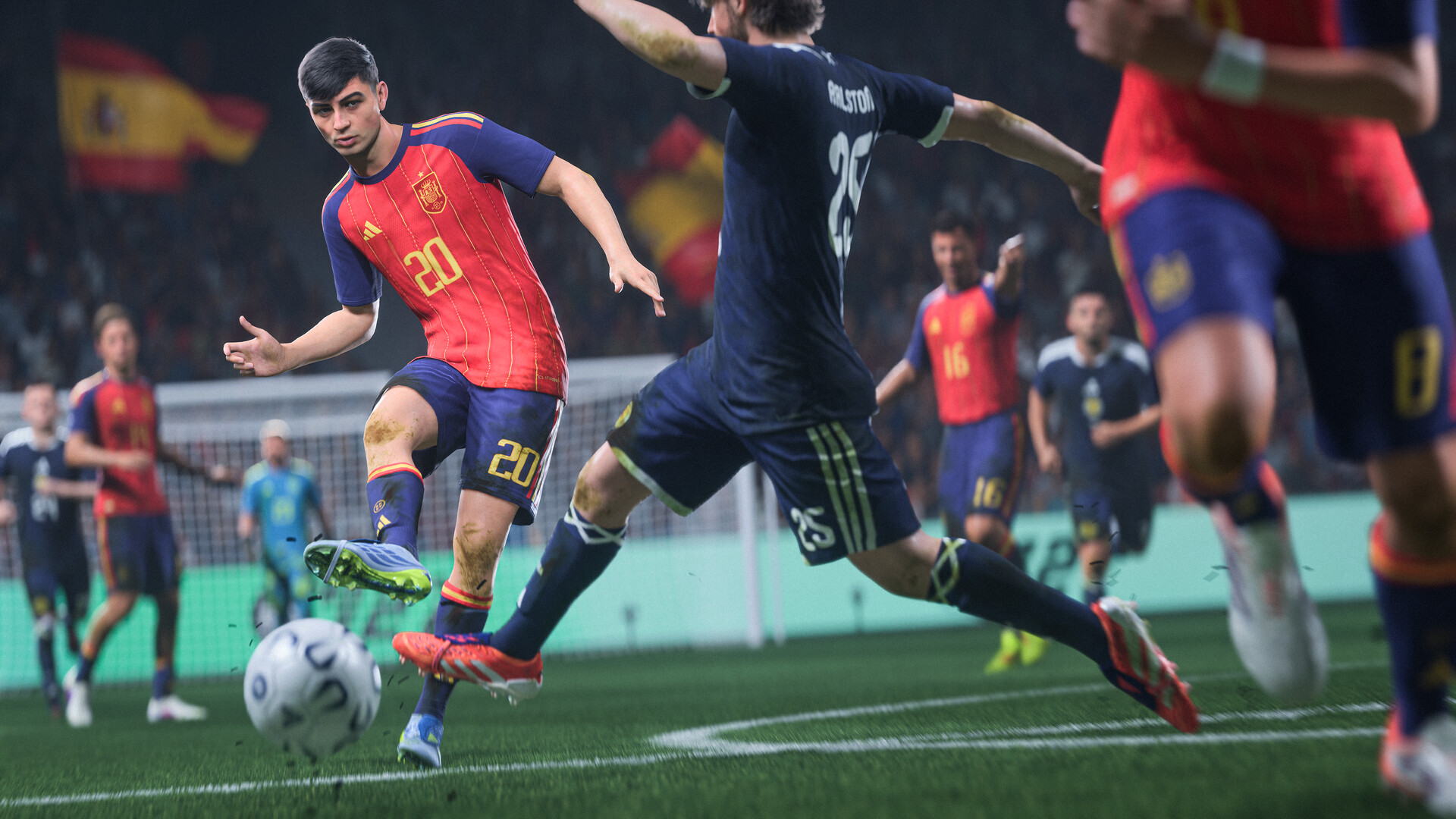
3. Why Nintendo Switch and Switch 2 Sit Outside Cross-Play
EA Sports FC 27 is also available on Nintendo Switch and Nintendo Switch 2, but neither console is part of the cross-play pool. EA's support page is direct about it: "Nintendo Switch™ and Nintendo Switch™ 2 don't support cross-play for FC." Switch owners can still play online against other Switch players, just not against the PlayStation, Xbox, and PC crowd covered above. If your group chat is split between a Switch 2 owner and everyone else on console or PC, only the non-Switch members will be able to match up directly.
4. How to Turn Cross-Play On or Off
Because cross-play is enabled by default, some players prefer to switch it off and keep matchmaking confined to their own platform. EA lists two routes to the setting:
- From the Main Menu, open EA Connect, then Social settings, then Cross-play and Cross-play settings. Toggle Cross-play Enabled to No to turn it off, or back to Yes to re-enable it.
- Alternatively, go to Main Menu > Customise > Online Settings > Matchmaking Options, or, from inside Ultimate Team specifically, Main Menu > Ultimate Team > Settings > Matchmaking Settings.
One restriction worth knowing before kickoff: you cannot enable or disable cross-play while a match is already in progress, so set your preference before you queue up rather than mid-game.

5. Cross-Progression Explained: A Separate System from Cross-Play
Cross-play and cross-progression sound similar but solve different problems. Cross-play is about who you can face in a match right now. Cross-progression is about whether your save data, unlocks, and Ultimate Team club follow you when you switch which console you play on. EA's own wording keeps the rule simple: cross-progression is available "if you're playing on the same platform," with Xbox One to Xbox Series X|S or PlayStation 4 to PlayStation 5 given as the examples that work. Moving from PlayStation to Xbox, or the other way around, is not supported — your progress stays locked to the brand of console you earned it on.
6. Cross-Progression in Ultimate Team: The PlayStation Caveat
There is an extra wrinkle specifically for PlayStation players: EA's support article states that cross-progression on PlayStation is only available in Ultimate Team. That means other modes tied to your PlayStation save do not automatically follow the same cross-generation path that Ultimate Team does. If your club, your coins, and your squad built around Ultimate Team's Evolutions system are the priority, upgrading from a PS4 to a PS5 keeps that progress intact — but don't assume every mode behaves the same way without checking in-game first.

7. What This Means If Your Squad Plays on Different Consoles
Put the two systems together and a few practical scenarios fall out:
- A PS5 owner and an Xbox Series X|S owner can play online matches together right away, with cross-play on by default.
- A PS4 owner cannot be matched against that same PS5 friend online — the generation split applies regardless of brand loyalty.
- A Nintendo Switch 2 owner in the group will only ever be matched with other Switch players, never with the PlayStation/Xbox/PC pool.
- If someone in your group upgrades from an Xbox One to a Series X console, their save comes with them; if they jump from Xbox to PlayStation instead, it does not.
None of this affects offline play, local couch matches, or the career and club features covered in EA's wider Grounds and Clubs setup — cross-play and cross-progression only come into play once you go online against or alongside another human player.

8. Quick Tips for Managing Cross-Play and Cross-Progression
- Leave cross-play on if you just want the biggest possible pool of opponents — it is already enabled by default.
- Check your console's generation, not just its brand, before assuming you can squad up with a friend.
- Remember Nintendo Switch and Switch 2 are isolated from PlayStation, Xbox, and PC cross-play entirely.
- Before trading in an old console, confirm whether the specific mode you care about — especially outside Ultimate Team on PlayStation — actually carries progress to the new one.
- Set your cross-play preference from the Main Menu or the Ultimate Team settings menu before queuing for a match, since it cannot be changed mid-game.
For the full rundown of what else changed at launch, see our breakdown of everything new in EA Sports FC 27.