A Little to the Left Explained: Puzzles, Daily Tidy and the DLC Expansions
A Little to the Left is Max Inferno's cozy sorting-and-tidying puzzle game. Here's how its 100+ observational puzzles, hint system, Daily Tidy Delivery streaks, seasonal Archive and the Cupboards & Drawers and Seeing Stars expansions all work, plus where to play on PC, console and mobile.
If you have ever felt a small jolt of satisfaction from lining up a junk drawer or stacking the dishwasher just right, A Little to the Left is built for that exact feeling. It is a cozy sorting-and-tidying puzzle game from developer Max Inferno, published by Secret Mode, where every level asks you to look at a mess of everyday objects and figure out how they are supposed to go together. There is no timer, no fail state, and no violence — just drawers, shelves, toolboxes and pantries waiting to be put right, with a mischievous cat around every corner looking to undo your work.
Here is how the puzzles, the daily mode, the seasonal content and the two expansion packs all fit together, and where you can actually play it.
1. What Is A Little to the Left?
A Little to the Left is Max Inferno's debut game. It first launched on Steam and Nintendo Switch in November 2022, arrived on PlayStation 5, PlayStation 4, Xbox Series X|S and Xbox One on February 15, 2024, and later came to mobile — Android in November 2024 and iOS around the same window — as a free-to-try download with a one-time unlock.
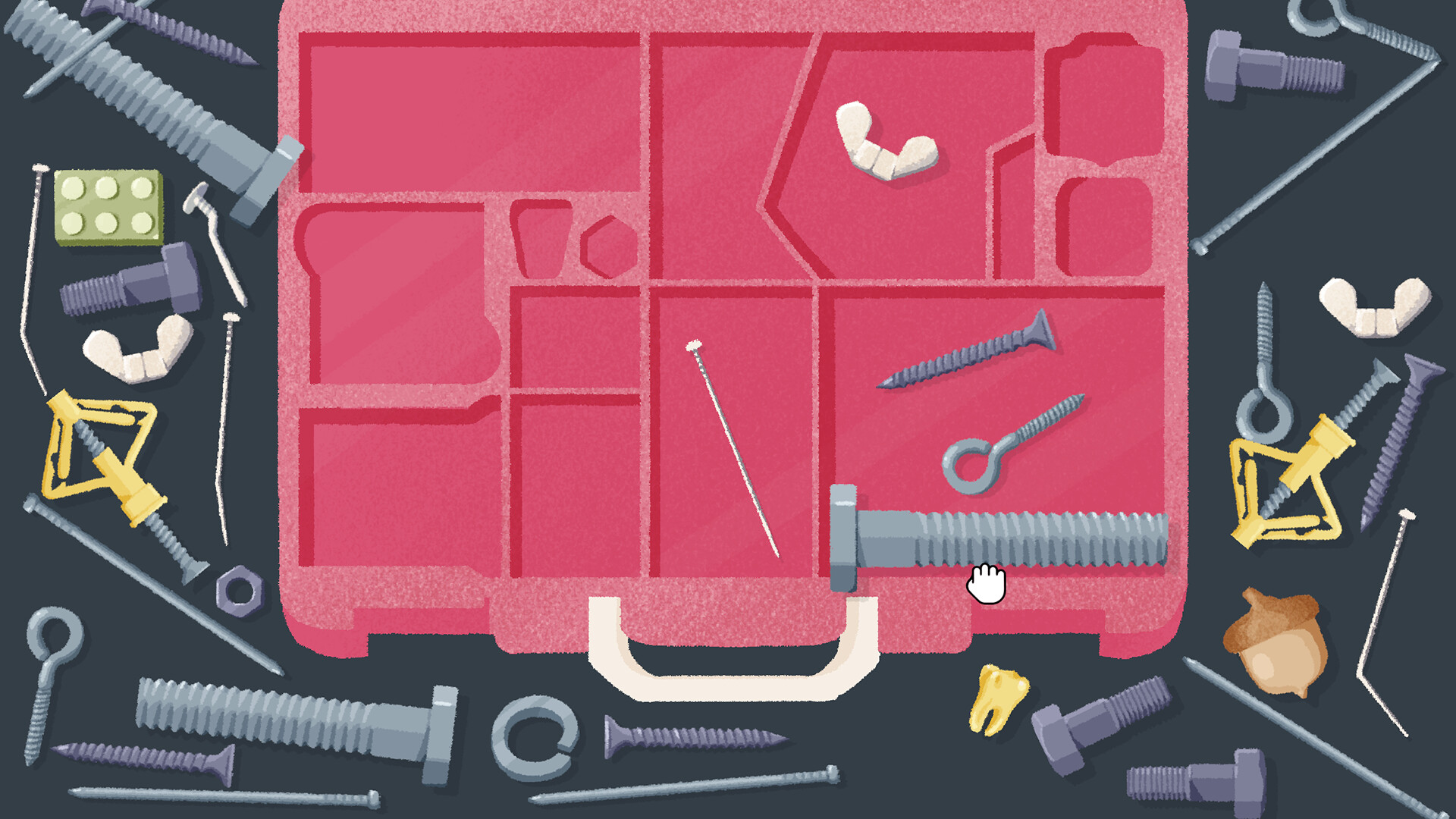
The premise is simple: you are handed a cluttered household scene — a toolbox, a bookshelf, a fridge, a filing cabinet — and asked to sort it. Drag-and-drop controls let you stack, align, group by color, or arrange by size, and the game quietly tells you when an arrangement "clicks" into place. The base game ships with over 100 of these scenes, and it has picked up strong reviews along the way, including 4/5 from The Guardian, which called it "a supremely rewarding ode to neatness," and 4/5 from NME.
2. How the Sorting Puzzles Actually Work
Every level in A Little to the Left is built around observation rather than reflexes. You are not told exactly what the "correct" layout is — you have to look at the shapes, colors and cutouts in the scene and work out what belongs where. A bowl of fruit might need to be arranged by ripeness, a stack of mail might sort itself by stamp color, and a toolbox compartment might be shaped to fit one specific tool and nothing else.
A key design choice is that most puzzles accept multiple valid solutions. The game is reading your intent — did you group these objects by color, by size, by type — rather than checking for one memorized answer, which is part of why reviewers have called the puzzle design "intuitive." It also means two players comparing notes on the same level can legitimately solve it two different ways.
3. The Hint System and the "Let It Be" Option
Because there is no fail state, A Little to the Left leans on two tools to keep a cozy game from becoming a frustrating one. The built-in hint system is adjustable — you can ask for a small nudge toward the solution or reveal more of it, so you choose how much of a puzzle you want solved for you. If a specific scene just is not clicking, the "Let It Be" option lets you skip it outright and come back later, so a single stubborn drawer never blocks progress through the rest of the game.

4. Daily Tidy Delivery and Streak Badges
Alongside the main puzzle list, A Little to the Left has a Daily Tidy Delivery mode: a fresh puzzle generated for you every day, built from variations on the game's favorite scene types. Solving the day's puzzle earns a badge, and returning day after day builds a streak — the in-game tracker shows milestone badges at 1, 3, 7, 14, 30, 50, 75 and 100 days. It is a low-pressure way to keep a daily habit going without any of the energy timers or paywalls common to mobile puzzle games.

5. The Puzzle Archive: Seasonal Scenes, All Year Round
A Little to the Left originally ran limited-time seasonal puzzles — Halloween-themed scenes in October, festive ones around Christmas, pastel sets for Easter, and so on. Those seasonal levels have since been folded into a permanent puzzle Archive, so you are no longer locked out of a Halloween candle-and-skull scene just because it is not October. The Archive effectively turns every limited-time event the game has ever run into evergreen content you can dip into whenever you like.

6. Pantry and Shelf Puzzles: Sorting by Size and Type
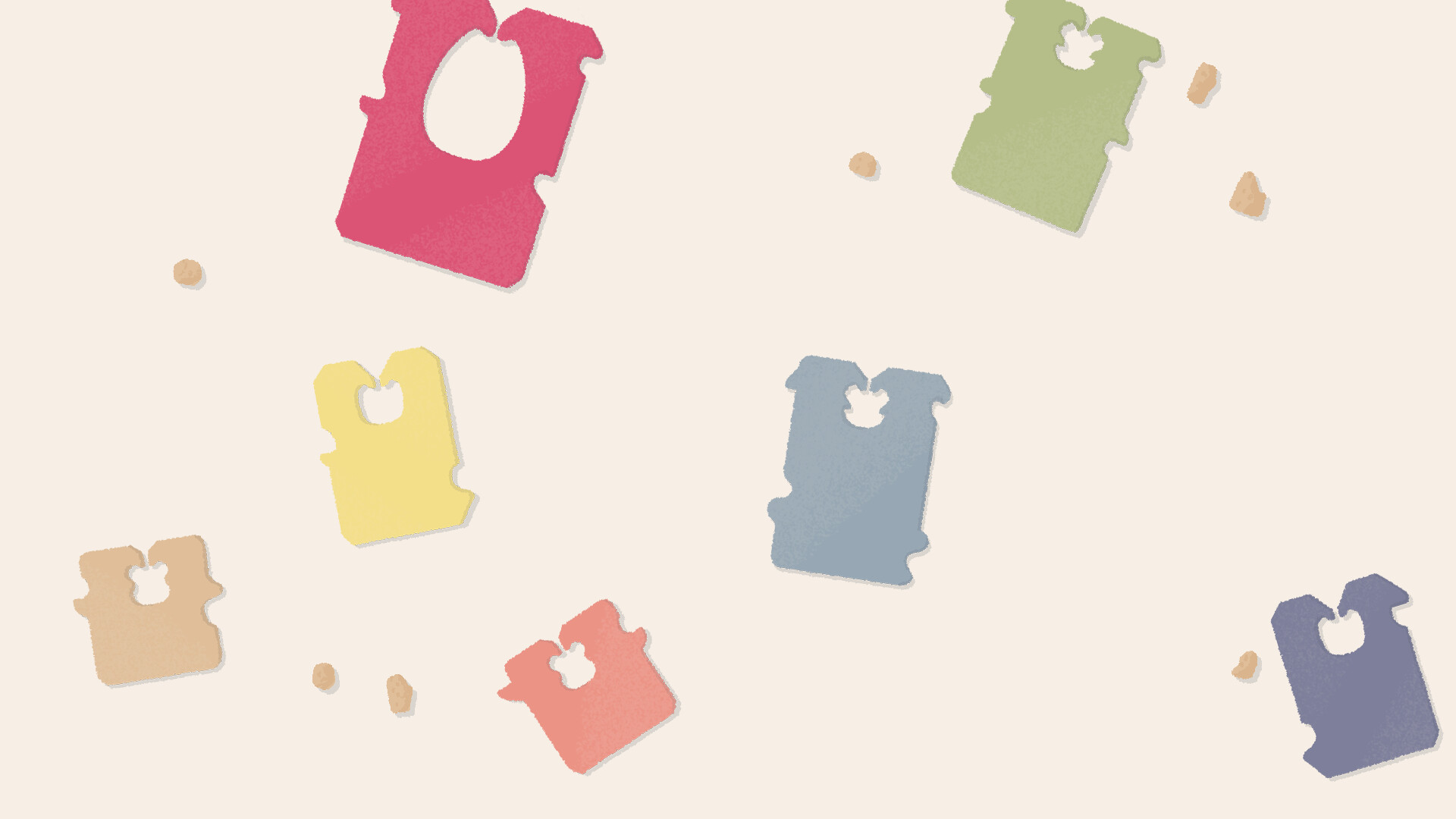
A lot of the game's charm comes from how mundane its source material is. One recurring puzzle type lines up kitchen and pantry items — milk cartons, honey jars, preserve jars — by height, label color or contents, turning a boring fridge shelf into a genuinely satisfying little logic problem. It is the same loop as the toolbox and bread puzzles above, just reskinned with a different household theme each time, which is a big part of why the game holds up over 100-plus levels without feeling repetitive.

7. The Two DLC Expansions
A Little to the Left received two paid content expansions after launch, both built around new object categories rather than new mechanics:
- Cupboards & Drawers (2023) — a pack of new puzzles themed around, as the name suggests, cupboard and drawer clutter.
- Seeing Stars (released June 25, 2024) — the second expansion, adding a fresh set of scenes on top of the base 100-plus puzzles.
On Steam, Switch, PlayStation and Xbox these ship as DLC for the base game. On mobile, Secret Mode released both expansions as standalone iOS and Android apps instead, so phone and tablet players can buy just the expansion they want without needing the base app installed first.
The base game's content arc wrapped up with a final free update, nicknamed the "Packed Update," which shipped in June 2025. After that update, Max Inferno moved on from active development of A Little to the Left to work on their next project — so what is in the game (plus the two DLC packs) now represents the complete, finished package rather than a live-service title still adding content.
8. Where to Play and What It Costs
A Little to the Left is available on:
- PC — Steam (Windows and macOS), list price $14.99, frequently discounted
- Nintendo Switch — eShop, including a physical release
- PlayStation 5 / PlayStation 4
- Xbox Series X|S / Xbox One
- iOS and Android — free to try, with a one-time unlock to access the full game
Save files and achievements are tracked per platform, so there is no cross-save between, say, the Steam and mobile versions — something to keep in mind if you plan to switch between your phone and a bigger screen.
9. Quick Tips Recap
- Puzzles reward observation, not speed — there is no timer, so take your time scanning the scene for matching shapes, colors or sizes before you start dragging things.
- Remember that most levels accept multiple valid solutions — if something "clicks," it is probably right even if it is not the arrangement a guide would describe.
- Use the adjustable hint system for a nudge rather than a full answer if you just want to stay unstuck, not have the puzzle solved for you.
- Stuck on one specific scene? Use "Let It Be" to skip it and come back later rather than stalling your run through the rest of the game.
- Check Daily Tidy Delivery once a day to build a streak toward the milestone badges without any pressure to finish the whole puzzle list at once.
- If you have cleared the main list, the puzzle Archive holds every former seasonal event (Halloween, winter holidays, Easter and more) permanently, and the Cupboards & Drawers and Seeing Stars expansions add further scenes once you want more.
10. Official Resources
- Max Inferno — official developer site
- A Little to the Left on Steam
- Secret Mode — official publisher site
Looking for more low-stress puzzle games to sort through? Walkthroughs.net also covers the connect-the-dots rules in Two Dots, the architectural puzzles of Monument Valley 3, the stacking rules behind Block Blast, and the boosters and events driving Candy Crush Saga. For the full catalog of guides, visit the game walkthrough archive.