Minecraft Dungeons II Crossplay and Mixed Co-op Explained
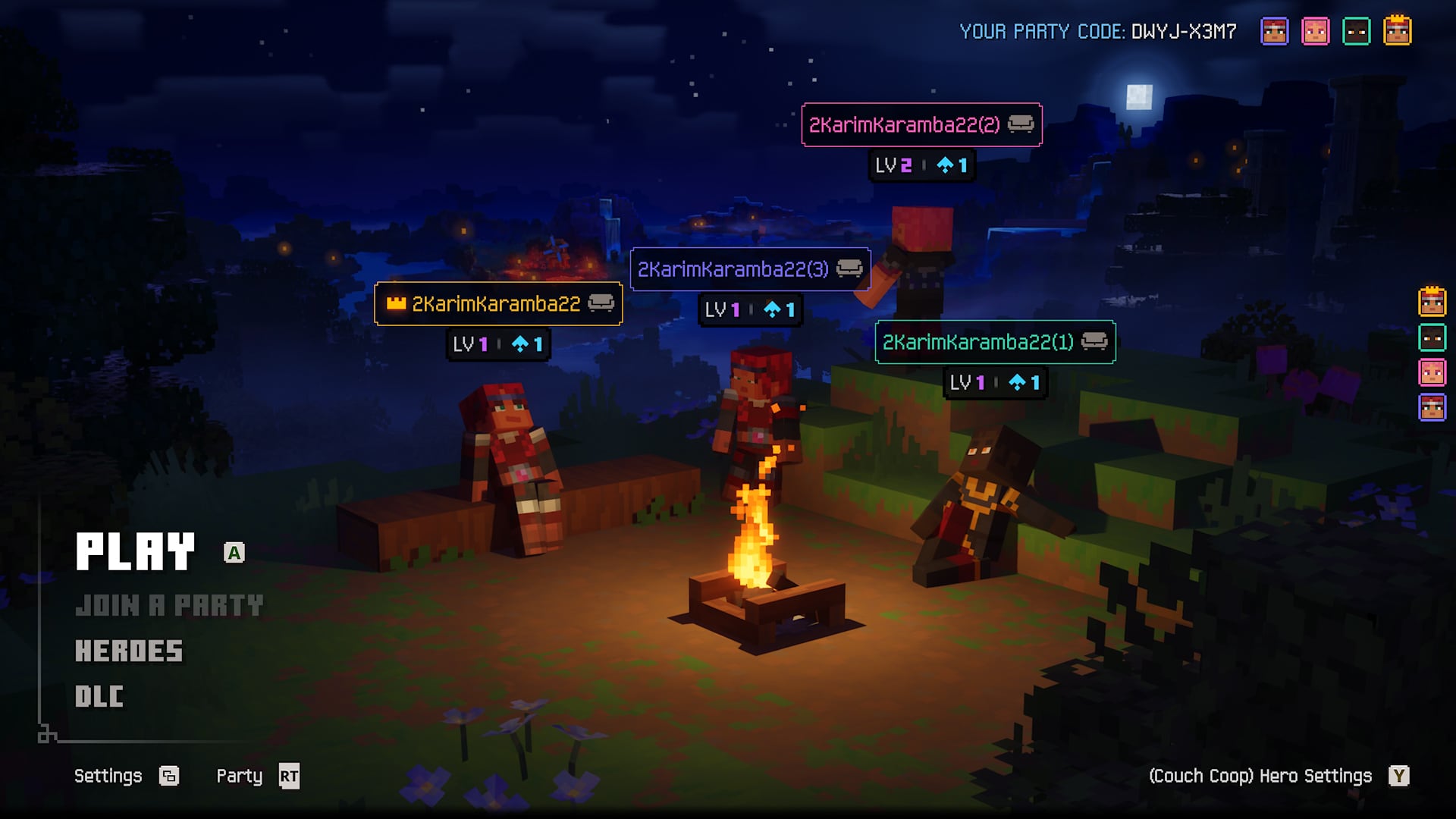
Minecraft Dungeons II launched with a rebuilt multiplayer system built around "one-click crossplay." Here's how party codes, mixed couch co-op, matchmaking, and cross-progression actually work, straight from Mojang's own breakdown.
Minecraft Dungeons II launched on September 29, 2026, and one of the biggest changes from the original game isn't a weapon or a boss — it's how the four-player co-op actually works. Mojang has rebuilt multiplayer around what Technical Director Stefan Annell calls "one-click crossplay," and it changes how couch co-op, online play, and jumping between platforms all fit together.
Here's exactly how party codes, mixed co-op, matchmaking, and cross-progression work in Minecraft Dungeons II, straight from Mojang's own breakdown of the system.
1. One-Click Crossplay: Mojang's Multiplayer Philosophy
According to Annell, the guiding rule for Dungeons II's online systems was simple: a player should be able to boot up the game for the first time and multiplayer should "just work," even if their friends are on a different console or PC. That meant designing every connection method — couch co-op, online co-op, and a hybrid of the two — to interoperate across PS5, Xbox Series, Nintendo Switch and Switch 2, and PC (Steam and the Microsoft Store) without extra setup.
It's a deliberate shift from the first Minecraft Dungeons II release breakdown focus on story and The Sift — this time Mojang is putting the social side of the sequel front and center, since the whole campaign is built for a four-player party.
Cross-platform play isn't new to the series — the original Minecraft Dungeons only added it in a November 2020 update, roughly six months after launch, and required linking Nintendo Switch or PlayStation accounts to a Microsoft account before it would work. Dungeons II folds all of that in from day one instead of patching it in later, which is why Mojang is treating multiplayer as a headline feature rather than an afterthought.
2. From Couch Co-op to Mixed Co-op
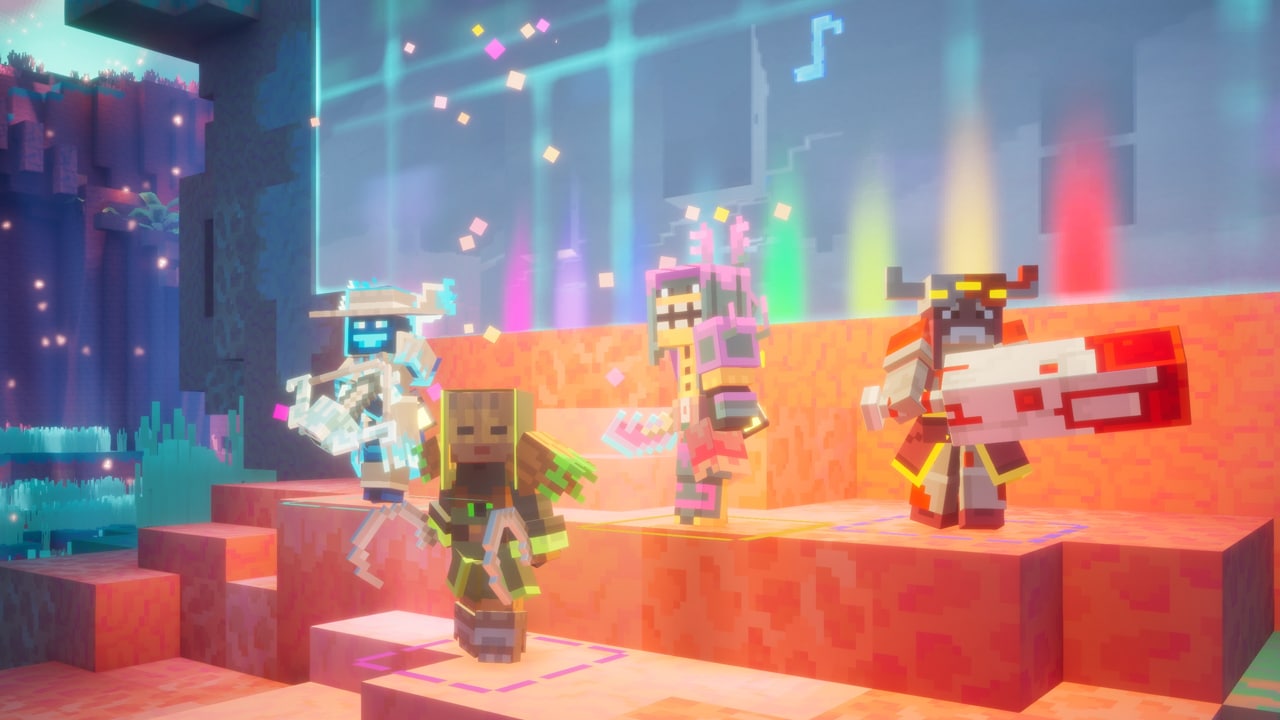
In the original Minecraft Dungeons, couch co-op was offline-only — if you wanted to play split-screen with someone on your sofa, you couldn't also bring in online players. Dungeons II removes that wall. Players can start a session on the couch and then let additional people join the same four-player party remotely, turning it into what Mojang calls a mixed co-op session that blends local and online players in one game.
The other major addition is that heroes are no longer tied to a single device. "If the platform supports it, you can sign in with your own platform account on a friend's device and carry on with the hero you've been playing with," Annell explained. Hero data is stored online in Mojang's backend, so progress follows the account rather than the console. Want to keep playing the same hero after switching from, say, Xbox to PC? Linking your platform accounts to the same Microsoft account keeps your character and progression intact across all of them.
That cross-progression system pairs naturally with the game's gear, enchanting and parkour systems, since your loadout and enchantments travel with your hero rather than staying locked to whichever platform you started on.
3. Party Codes: A New Way to Team Up
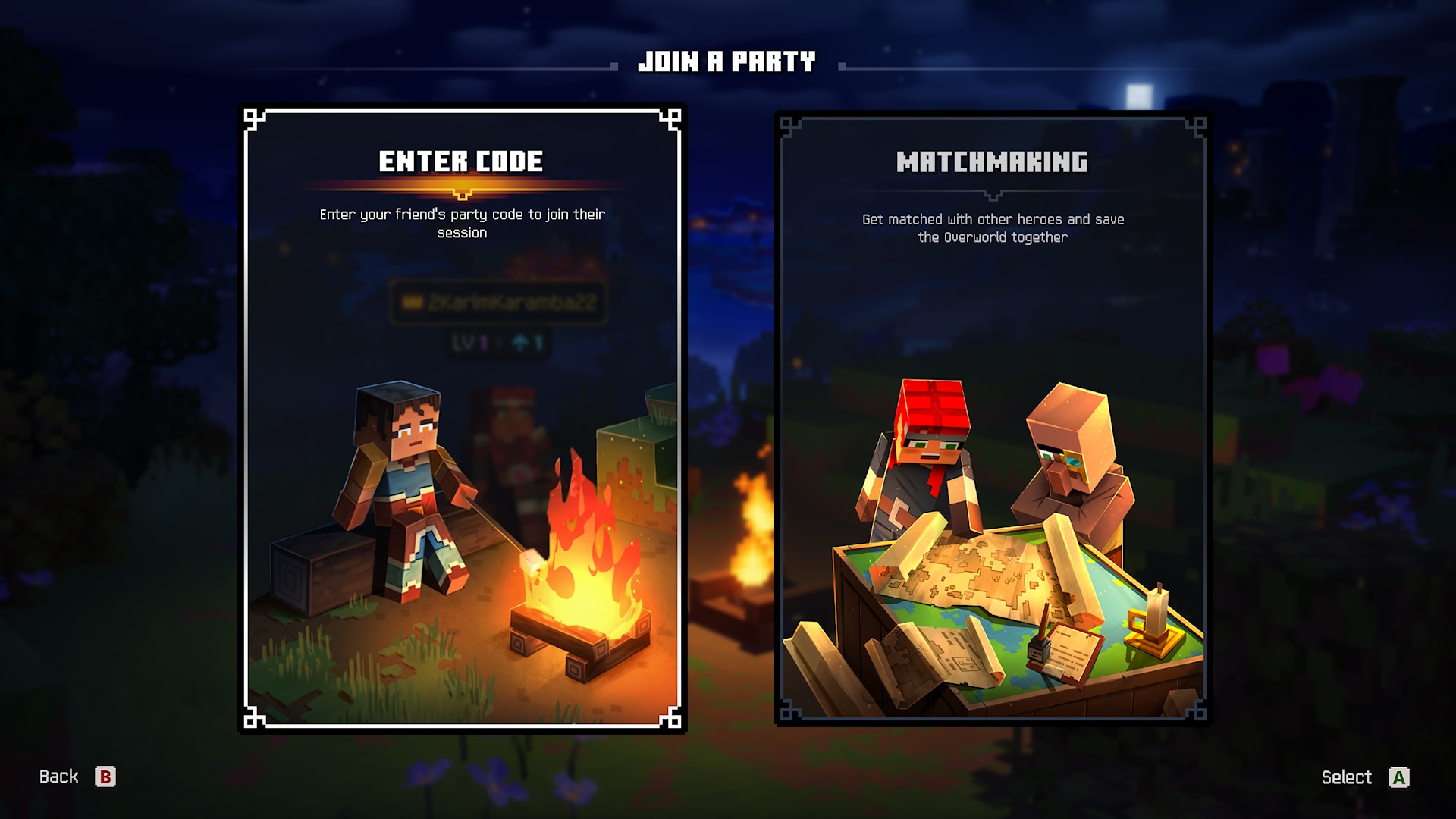
Dungeons II keeps the in-game friends list from the first game, but adds a new tool for grouping up: the party code. Every party generates an eight-character code made of letters and numbers. Share it with a friend, and they can enter it in the "join by party code" dialog to drop straight into your lobby — or into a game that's already in progress — regardless of which platform either of you is playing on.
It's designed to cut out the friend-request and platform-matching hassle that made cross-platform grouping in the first Dungeons more of a chore, especially for squads spread across consoles and PC.
4. Matchmaking Without the Wait
Not everyone has four friends free at the same time, so Dungeons II also ships with matchmaking to fill empty party slots or find a full group of strangers to team up with. Mojang says the system doesn't require a full group to assemble before a run starts — instead, it uses a scoring function based on core quest progress, region, and power level to slot you into a session that's already under way.
"That makes it easier to find a good match and should help keep queue times short," Annell said. In practice, that means you can jump into an existing run rather than waiting in a lobby for three other players to queue up at the same time — useful if you're chasing a specific angle, like farming for the Frost Crescent II or pushing further into the Sift after finishing the main story.
5. Dedicated Servers and Why Online Stays Separate From Offline
The other big change is happening behind the scenes. In the original Minecraft Dungeons, the party leader's console or PC hosted the online session — so a weak connection or underpowered hardware on their end dragged down the experience for everyone else. Dungeons II moves online sessions to dedicated servers, and the game automatically picks the best server for a party based on each player's ping, aiming for a more stable connection regardless of platform or region.
Mojang has also kept online and offline modes structurally separate. Annell said this gives the team more control over what happens in online sessions, including making it easier to prevent cheating, which in turn affects how systems like loot and progression are designed and balanced.
That separation matters more in Dungeons II than it did in the first game, since the sequel leans harder into co-op-specific encounter design — enemy density, environmental hazards, and boss mechanics that are tuned around a full party rather than a solo player. A stable, server-backed connection is part of what makes those four-player fights hold together instead of falling apart the moment one person's connection lags.
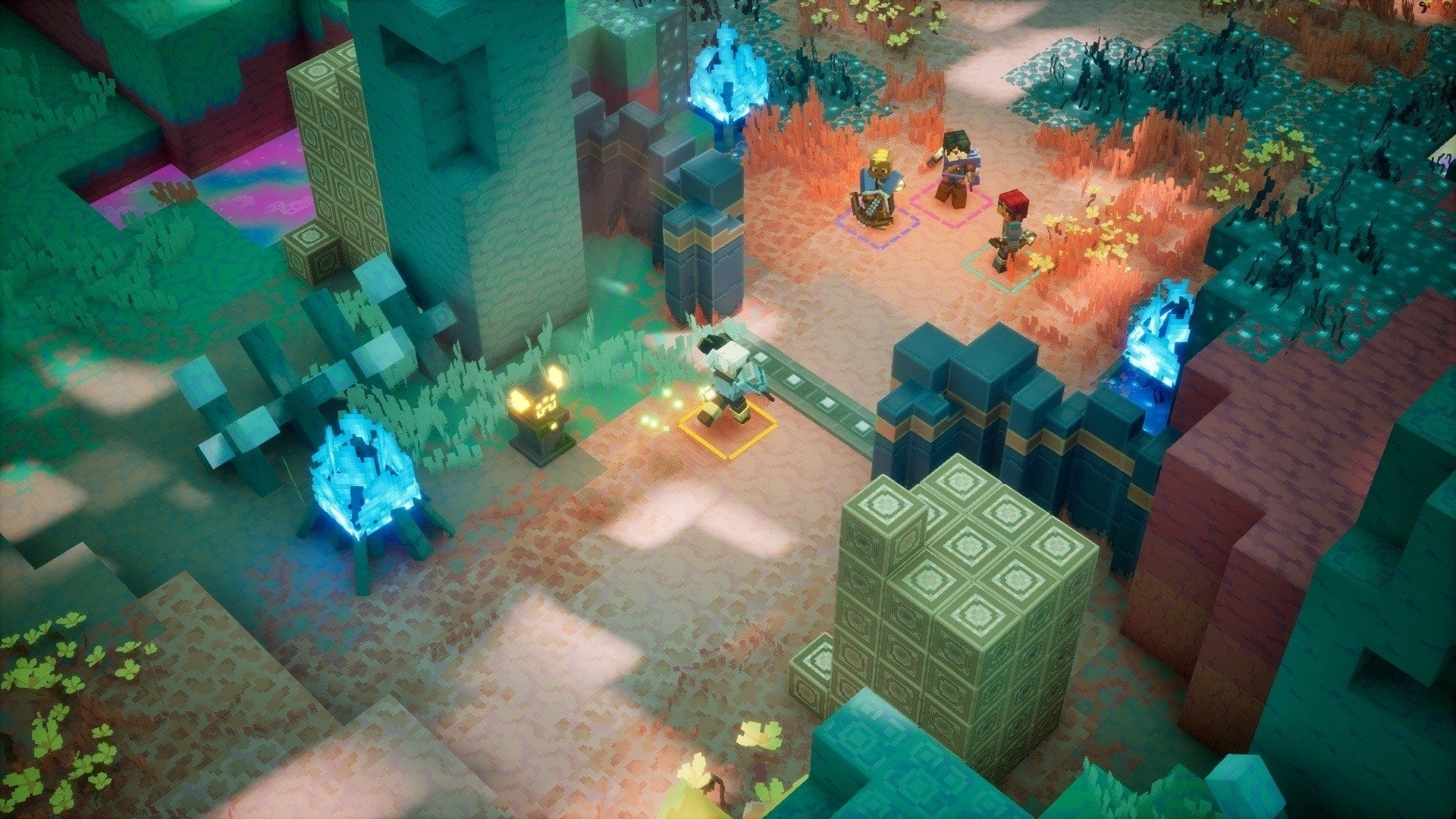
Minecraft Dungeons II's official launch trailer. Video: Minecraft (official YouTube channel)
6. Quick Tips for Grouping Up in Dungeons II
- Share a party code instead of friend requests when teaming up with someone on a different platform — it works through the lobby or mid-game.
- Link your platform accounts to the same Microsoft account if you want to switch between console and PC without losing your hero.
- Take couch co-op online if a second player wants to join remotely — mixed co-op supports both at once.
- Use matchmaking to jump into an active session rather than waiting for a full lobby to form from scratch.
- Expect a smoother connection than the first game, since Dungeons II runs online sessions on dedicated servers chosen by ping rather than through the party leader's own connection.
These systems are on top of the launch-day basics covered in our look at Dungeons II's pre-order bonuses and edition differences, and how critics received the game in our roundup of Minecraft Dungeons II's review scores.
7. Official Resources
- Mojang: "Better together in Dungeons II" (official co-op breakdown)
- Minecraft Dungeons II official game page
- Minecraft Dungeons II on Xbox.com
For more on the sequel and the rest of the Minecraft universe, browse our full walkthrough archive.