Roblox on PlayStation and Xbox: How Cross-Play, Account Linking and Robux Purchases Work

Roblox now runs as a native app on PS5 and an updated app on Xbox and PC, but the rules for linking your account, carrying Robux between devices and playing cross-platform differ by console. Here's what Roblox, PlayStation and Xbox have confirmed officially.
Roblox isn't just a PC and mobile game anymore. Between a native PlayStation 5 app, an updated Xbox and Microsoft Store release, and even support on Windows handhelds like the ROG Xbox Ally, the platform has quietly become a real console citizen. If you're wondering whether you can play with your friend on a different platform, how linking your Roblox account to a PlayStation or Xbox account actually works, or what happens to your Robux when you switch devices, here's what Roblox and its console partners have confirmed officially.
This guide covers every console Roblox currently supports, how the 2026 PS5 upgrade and 2025 Xbox app changes work, the account-linking rules for each platform, and how Robux purchases and cross-play actually behave once you're set up.
1. Which Roblox apps are available on PlayStation and Xbox right now
Roblox has been on consoles longer than most players realize. Xbox One got Roblox back in January 2016, and it's remained playable on Xbox Series X|S ever since. PlayStation came much later: Roblox launched on PS4 and PS5 on October 10, 2023, after years of the platform being notably absent from Sony's consoles.
Both console families have since been refreshed. On PlayStation, an upgraded, PS5-specific app went live on April 14, 2026, while the original app continues to serve PS4 owners — PlayStation's own store listings still show separate "Roblox PS5" and "Roblox PS4" editions side by side. On the Xbox side, Roblox shipped a rebuilt app for the Microsoft Store and Xbox on PC in September 2025, and a month later Roblox confirmed native day-one support for the ROG Xbox Ally and ROG Xbox Ally X handhelds, with both gamepad and touch controls.
2. What actually changed in the 2026 PS5 upgrade
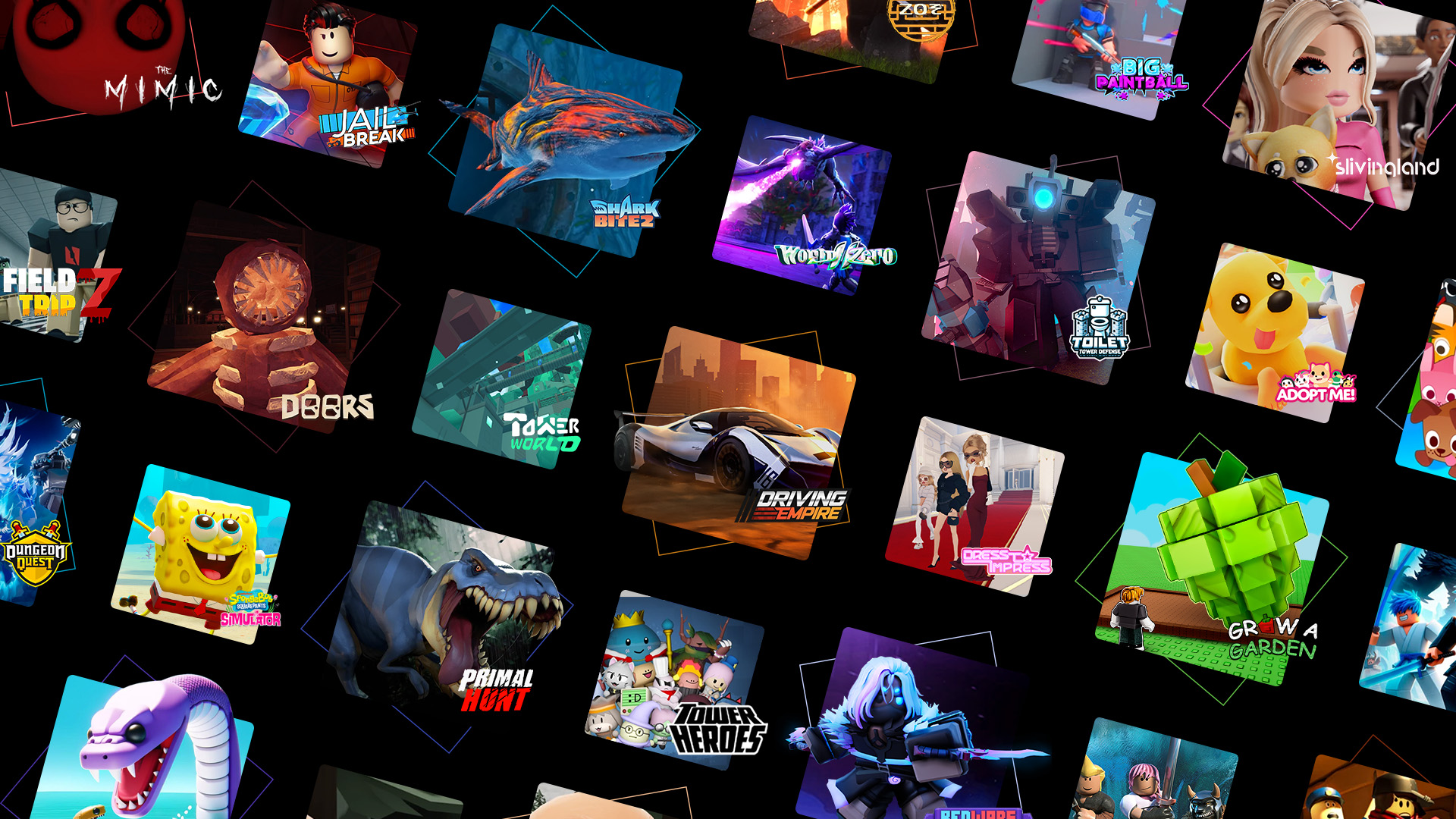
The headline number from Roblox's PlayStation Blog announcement is up to 30% faster load times on the native PS5 app compared to the old version. But the more interesting changes are under the hood, where individual Roblox creators reworked their games specifically for a controller rather than a keyboard and mouse.
- Controller-first camera systems: the team behind Dueling Grounds built a camera-lock system so players can stay focused on an opponent during a fight without manually wrestling the camera.
- Communication without a keyboard: Dandy's World added a sticker-based chat and emote system, since typing on a controller is slow — the stickers let console players still talk to friends on PC and mobile.
- Scaled-up visuals: games like NFL Universe Football and Scary Shawarma Kiosk use the PS5's extra horsepower to push more detailed environments and atmosphere than the PS4 version could handle.
- DualSense haptics: creators can now tap into the DualSense controller's haptic feedback, though Roblox hasn't published a list of which games use it yet.

3. The rebuilt Xbox and Microsoft Store app
On Xbox and Windows, Roblox's September 2025 release fully replaced the platform's legacy app. Roblox describes the update as bringing better performance and stability on Windows PCs, deeper Xbox profile integration, and groundwork for upcoming Microsoft devices. Since launching in the Microsoft Store, Roblox has consistently ranked among the store's most played and most downloaded titles, with a 4-plus star rating across more than 380,000 reviews.
The biggest player-facing change is how the app treats your Xbox friends list. Instead of being a separate, disconnected list, your Roblox Connections and Xbox friends now overlap: the app shows which of your Roblox connections are also Xbox friends, and suggests Xbox friends you could add as Roblox connections.

4. How account linking actually works, platform by platform
Linking rules differ between the two console families, and they're stricter than most players expect.
Xbox and Microsoft Store
After installing the updated app, you're prompted to link your Roblox account to your Microsoft account. Once linked, you can sign in to Roblox using your Microsoft credentials, and you unlock features that weren't available in the legacy app, including the Xbox friends integration described above. Roblox's own support documentation notes this linking can only be done from inside the app itself — there's no separate website flow to link the accounts after the fact.
PlayStation
PlayStation's linking rules are more restrictive. According to Roblox's official PlayStation FAQ, only one Roblox account can be actively linked to a given PlayStation Network account at any time. If you want to switch which Roblox account is linked, you have to unlink the current one first — and once you link a new Roblox account to that PSN account, you can't link yet another different account to it for 90 days. You can still relink back to your original account at any point during that window, so the lock only blocks jumping between multiple different accounts, not returning to the one you started with.
The practical takeaway: decide which Roblox account you're committing to on a shared or family PlayStation before you link it, since undoing that choice isn't instant.
5. What happens to your Robux when you switch devices
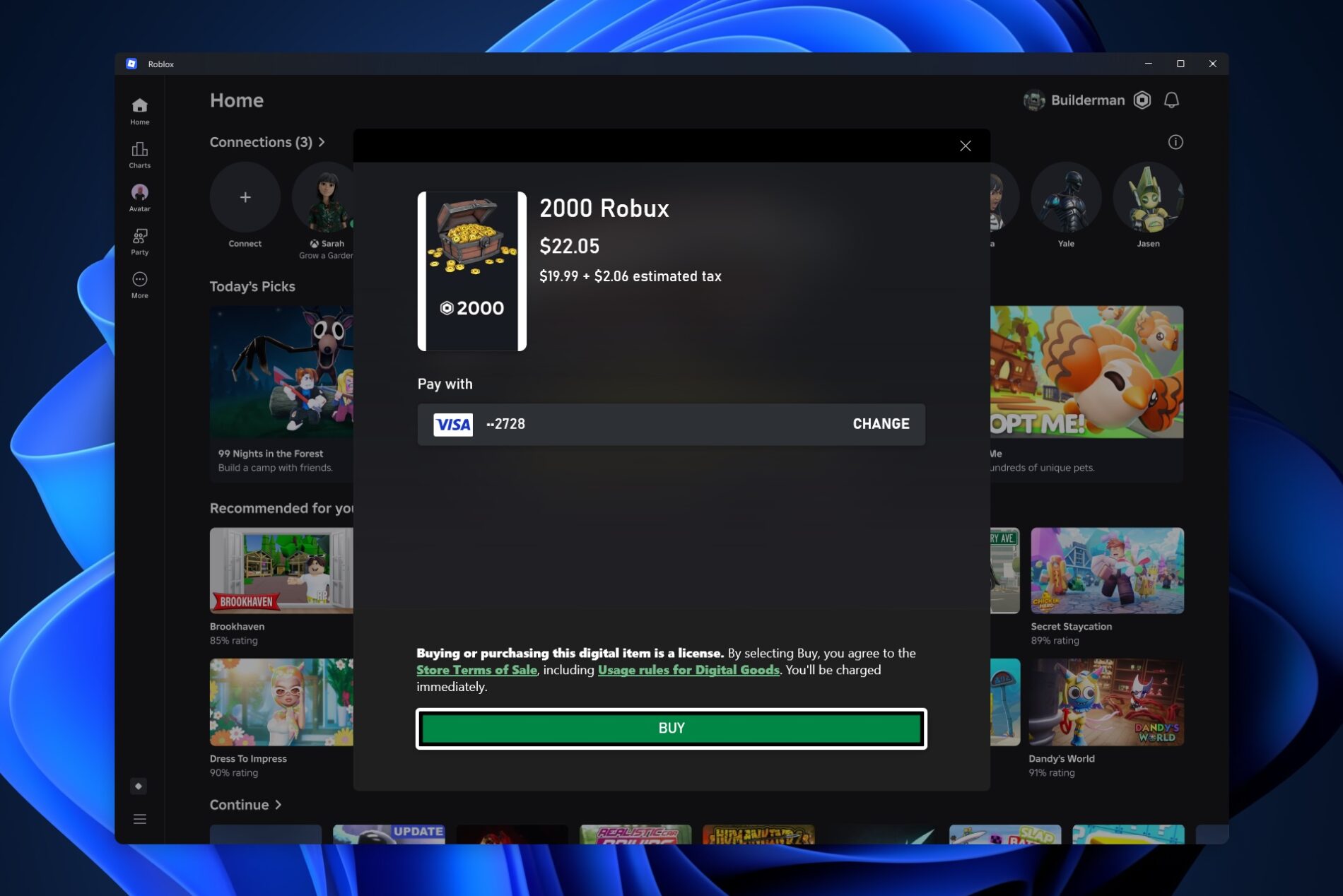
Robux purchases follow your Roblox account, not the device you bought them on. Roblox's Xbox documentation specifically confirms that any Robux bought through a linked Microsoft account carries over across every device tied to that account, including Xbox consoles, PC, and mobile. The same account-based logic applies on PlayStation — Robux bought through the PS4 or PS5 app apply to your linked Roblox account everywhere you're signed in.
One thing to watch on a shared console: Robux purchases are billed to whichever Roblox account is actively signed in in the app at the moment of purchase, so it's worth double-checking you're signed into the right account before confirming a buy.
6. Cross-play: who you can actually play with
Roblox as a platform supports cross-play across computers, mobile devices, consoles, and VR headsets like Meta Quest, and has since its original PlayStation launch in 2023. But whether a specific match or server mixes PS5, Xbox, PC and mobile players together ultimately depends on how that game's developer built it — Roblox is a platform for thousands of independently built experiences, not one single game with one universal matchmaking rule.
What Roblox does say with real numbers: players who engage with the platform across multiple devices play about 20% longer and spend roughly 2.5 times more than players who stick to a single device, based on Roblox's own Q2 2025 data cited in its October 2025 "Roblox Everywhere" announcement. That announcement also covered Roblox's expansion to the Samsung Galaxy Store, part of a broader push to make the platform available wherever its audience already is.
7. Parental controls still live on the account, not the console
A common question from parents handing a PS5 or Xbox controller to a kid is whether console settings or Roblox's own settings take priority. Roblox's parental and account controls — content maturity settings, spending limits, chat permissions and screen-time rules — are configured through the Roblox account itself, so they apply no matter which device that account signs into, console included. If you haven't set those up yet, our breakdown of Roblox's 2026 parental controls walks through spending limits, chat settings and screen time step by step.
8. Quick tips before you link anything
- On PlayStation, settle on one Roblox account before linking it to your PSN account — switching to a different account twice within 90 days isn't possible.
- On Xbox and PC, account linking only happens inside the Roblox app itself, not through a separate website.
- Check which Roblox account is actively signed in before buying Robux on a shared console — the purchase follows whichever account is logged in at that moment.
- PS4 owners don't need to do anything to keep playing; the original app is still listed and supported alongside the new PS5-native version.
- Whether you can team up across PS5, Xbox, PC and mobile in a specific game depends on that game's own settings, not a platform-wide Roblox rule.
For the economics side of all this — how Robux pricing, Premium and cash-out actually work once you're buying on a console — our guide to how Robux works covers the full picture, and if you're trading items you've earned, our guide to Roblox trading and scam prevention is worth reading before you accept any offer.
9. Official Resources
- PlayStation Blog: An upgraded version of Roblox launches on PS5
- PlayStation Blog: Roblox coming to PlayStation on October 10 (2023)
- Xbox Wire: Roblox launches updated app for the Microsoft Store and Xbox on PC
- Roblox Newsroom: Roblox Everywhere — bringing Roblox to two new platforms
- Roblox Support: PlayStation FAQ
Looking for more Roblox coverage? Browse the full walkthroughs and guides archive for the latest explainers.