NBA 2K27: Dynamic Dunk Meter, Shot Contests and the New Takeover System Explained
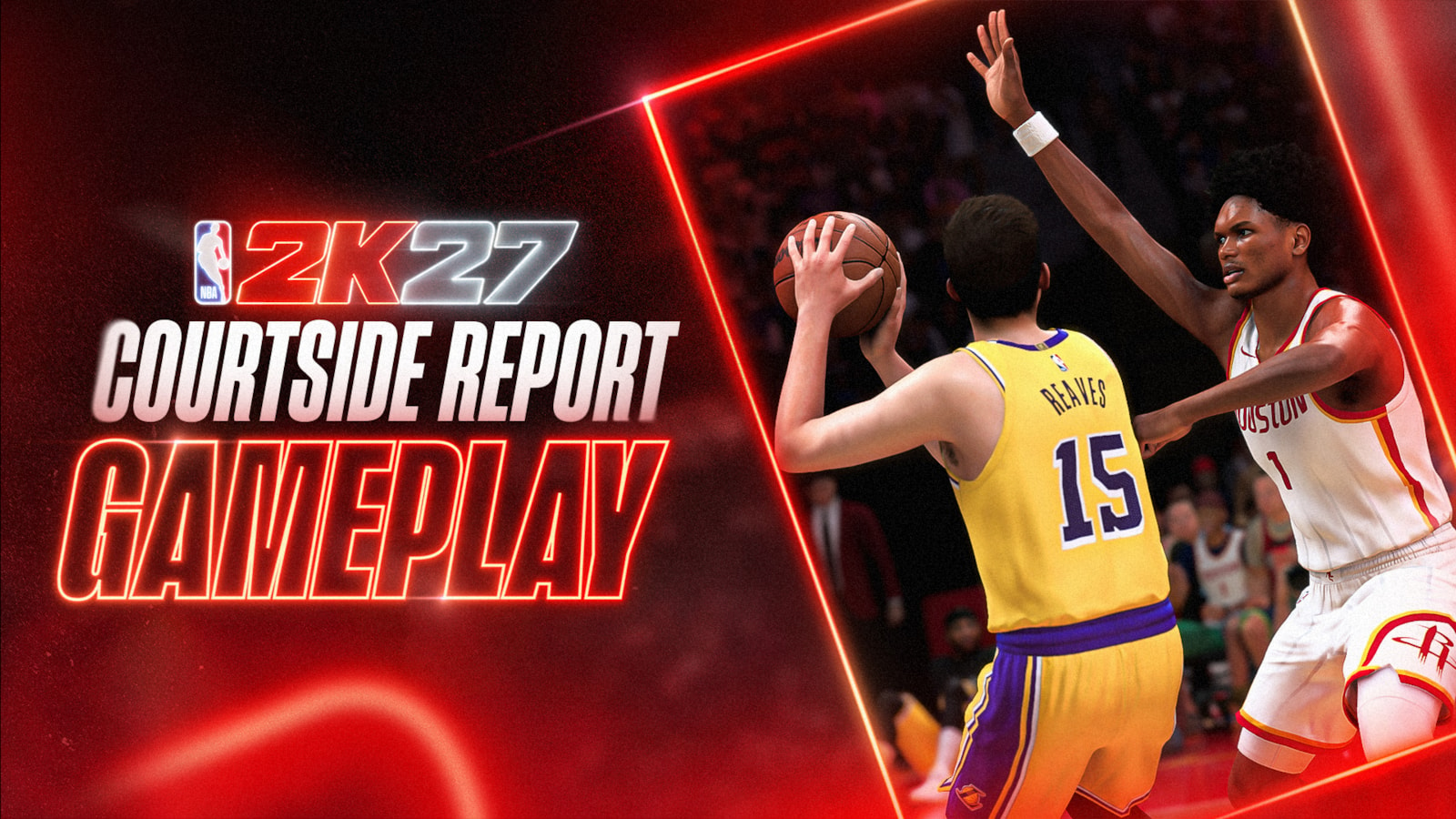
NBA 2K27 rebuilt its core gameplay around a dynamic Dunk Meter, redesigned shot contests, a deeper 53-Badge pool and a new five-discipline Takeover System. Here is exactly what changed and how to adjust your play.
NBA 2K27 changed more than its roster this year. Visual Concepts rebuilt the moment-to-moment feel of every possession, from how a dunk attempt resolves in the air to how many Badges a build can carry. If a shot that looked open still clanged off the rim, or a dunk you used to convert automatically now gets stuffed, it is almost certainly one of these systems at work. Here is what actually changed under the hood, and how to adjust.
1. The Dynamic Dunk Meter Now Reads the Defense
Every dunk attempt in NBA 2K27 is timed on a Dunk Meter, and that meter is now fully dynamic instead of a fixed-width bar. It tracks the play from takeoff all the way to the rim and adjusts its green window based on what the defense is doing in real time.
Why some dunks feel easier and others feel impossible
Beat your defender with a clean first step and attack an open driving lane, and the green window expands, rewarding the separation you created. Get a step on a defender but let them recover with a late closeout after your takeoff, and the window shrinks, making the same dunk animation noticeably harder to finish clean. The system is meant to punish forcing a dunk into traffic and reward actually beating your man before you leave the ground.
2. Shot Contests Were Redesigned From the Ground Up
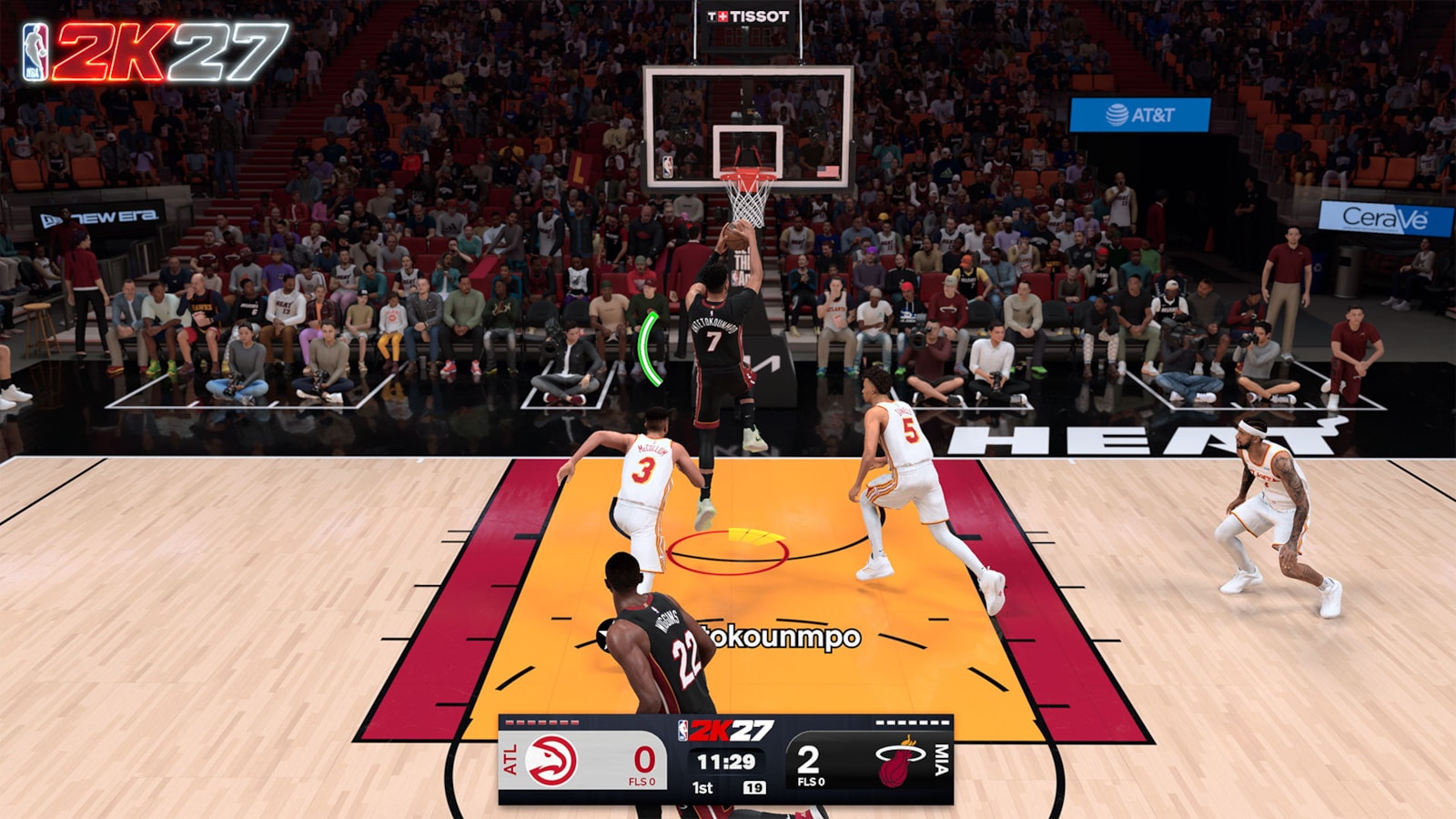
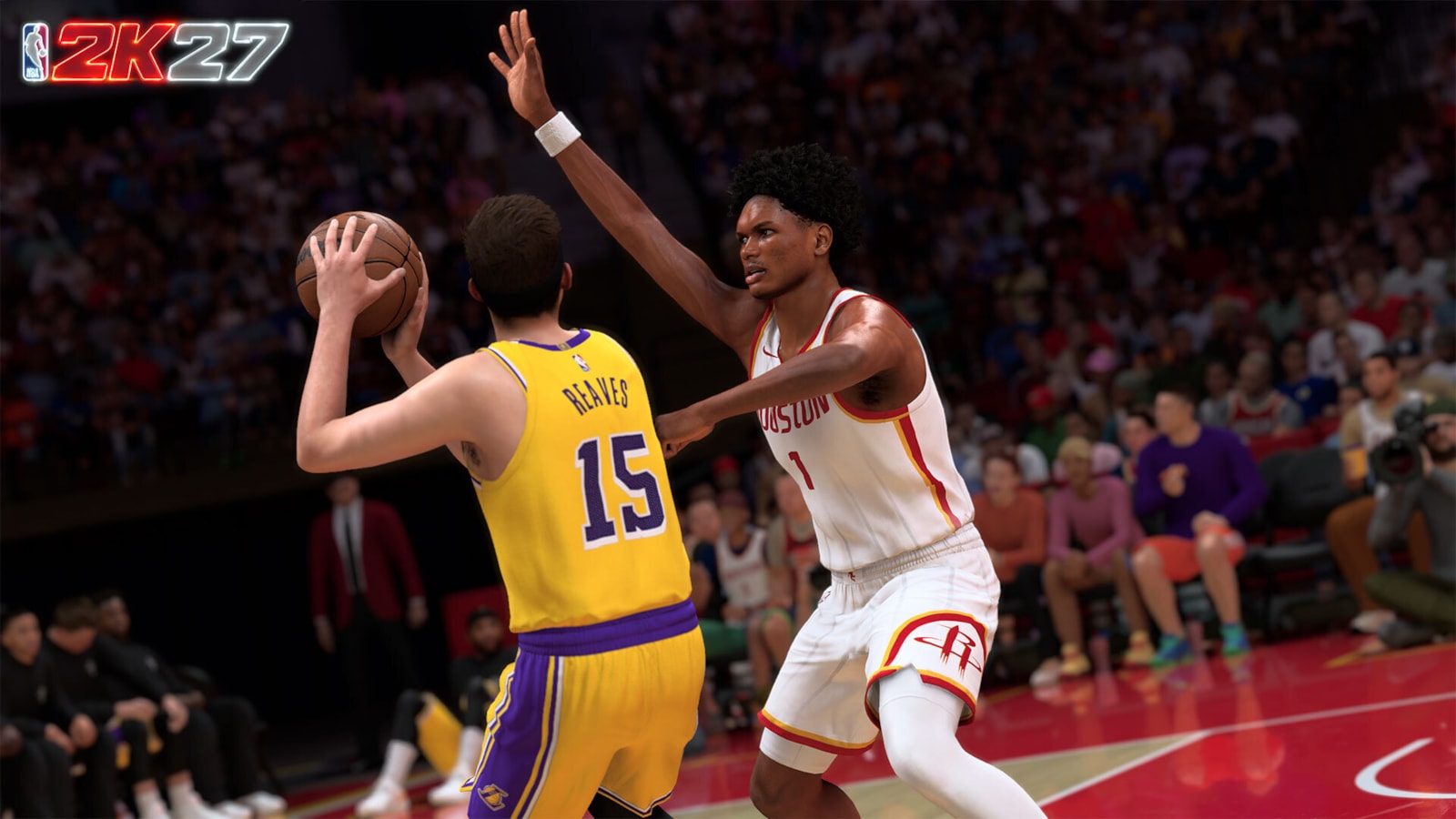
Contested shooting was one of the most common complaints about recent entries, and 2K27's Courtside Report singles it out directly: AI defenders now contest shots more effectively and are no longer as vulnerable to Triple-Threat Stepovers being used to manufacture open looks. On top of that, hands-up defense mechanics were rebuilt to give defenders both aggressive and conservative contest options instead of one generic animation.
Color-coded contest feedback
NBA 2K27 also adds advanced shot coverage feedback: a color-coded indicator that shows both the quality of a contest and the direction it came from. Instead of guessing why a wide-open look still missed, you get a direct visual read on how much the defense actually affected that specific shot.
3. Badges Jump to 53, With 19 New Additions
NBA 2K27 ships with 53 total Badges, up from 40 in NBA 2K26. Six Badges from last year were cut, and 19 new ones were added, alongside balance passes on the Badges that carried over. The net result is a noticeably deeper Badge pool, which raises the value of scouting what a build actually needs rather than chasing every popular Badge from the previous game out of habit.
Because the pool changed this much, builds that were considered optimal in NBA 2K26 will not automatically carry over. It is worth rebuilding your Badge plan from scratch rather than copying an old loadout, since several returning Badges behave differently under the new balance pass.
4. The Takeover System Adds a Five-Discipline Layer on Top of Badges
Separate from individual Badges, NBA 2K27 features a revamped Takeover System built around five disciplines: Shooting, Finishing, Playmaking, Defense and Rebounding. Each discipline is tracked individually across six tiers with its own dedicated meter, filled by performing well in that specific category during a game.
Why this matters for how you play
Because each discipline levels independently, a player who is scoring efficiently but grabbing no rebounds will see their Shooting or Finishing meter climb while Rebounding stays empty. That is a deliberate design choice: Takeover in 2K27 rewards genuinely well-rounded performances rather than one hot shooting stretch triggering a blanket boost to every part of your game.
What it changes in Park, Rec and Pro-Am
In online modes where builds are specialized on purpose, this system rewards staying inside your lane rather than trying to do everything. A shot-creating guard should expect Shooting and Playmaking to fill fastest, while a rebounding big will realistically never max out Shooting Takeover in the same game — and that is by design rather than a bug. Teams that understand which discipline each teammate is actually filling can time their runs around who is closest to a full Takeover meter, instead of assuming the leading scorer is always the one about to go off.
5. Dribbling Gets 29 Decoupled Signature Movements
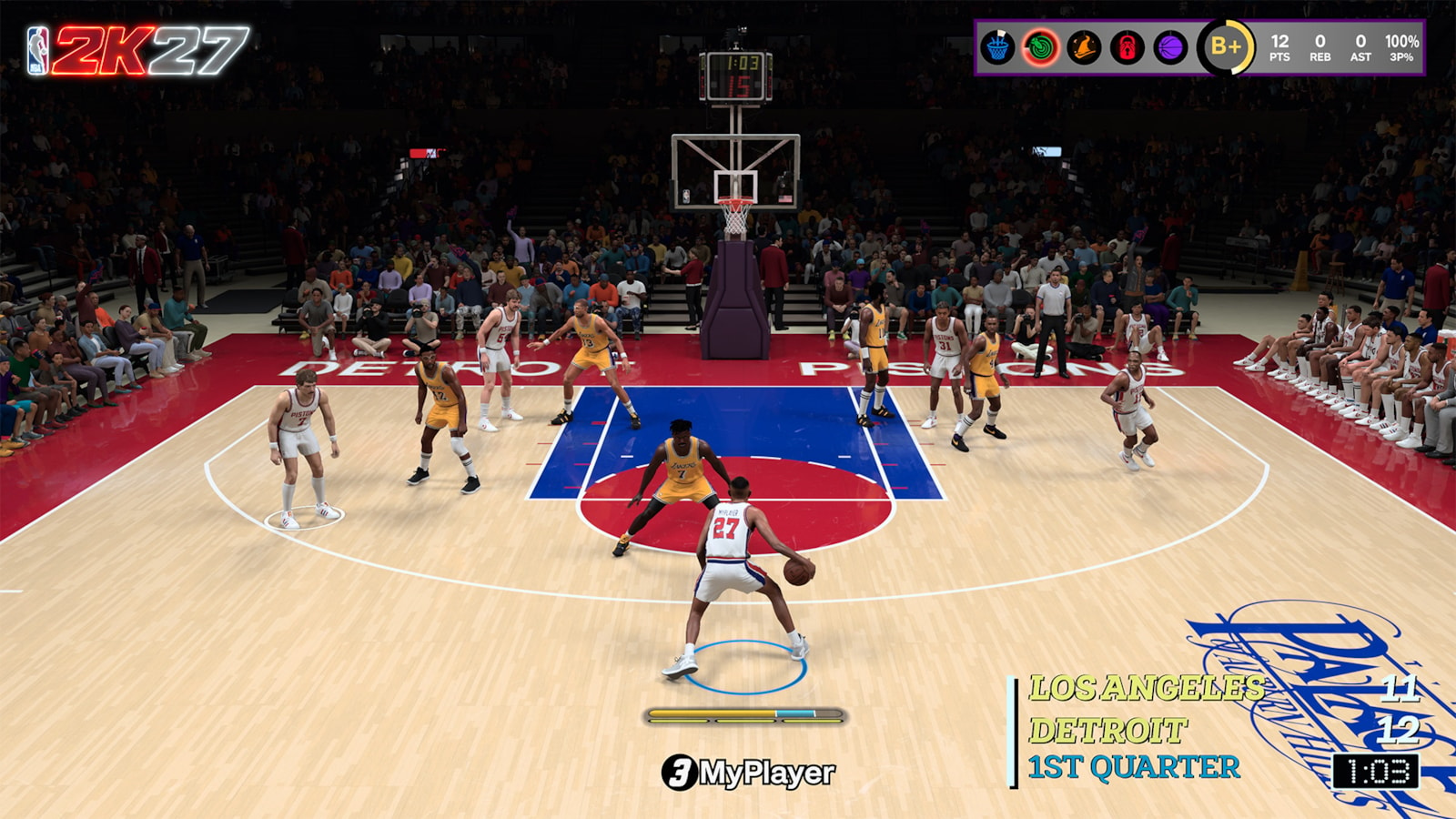
NBA 2K27's Expanded Dribbling Customization suite breaks signature dribble packages apart into 29 individual, decoupled movements. Rather than picking one preset dribble package and getting locked into its full animation set, players can now mix and match specific movements to build a personalized combo of attack moves.
Practically, that means two players using the same guard archetype can feel completely different in isolation, because their combination of individual dribble movements is not tied to a single bundled package anymore.
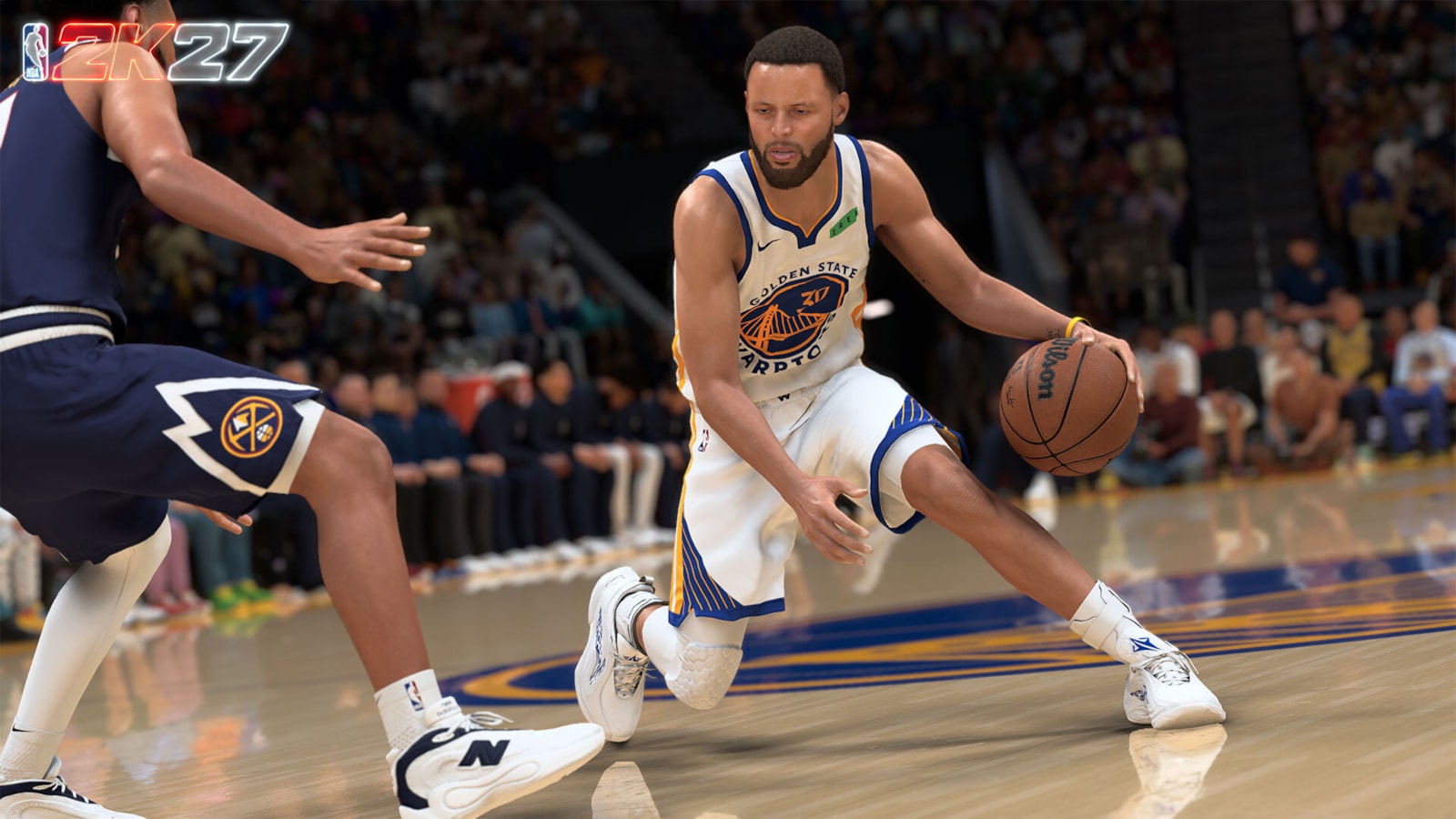
6. Defense: Skill-Based Ankle Breakers and a New Collision System
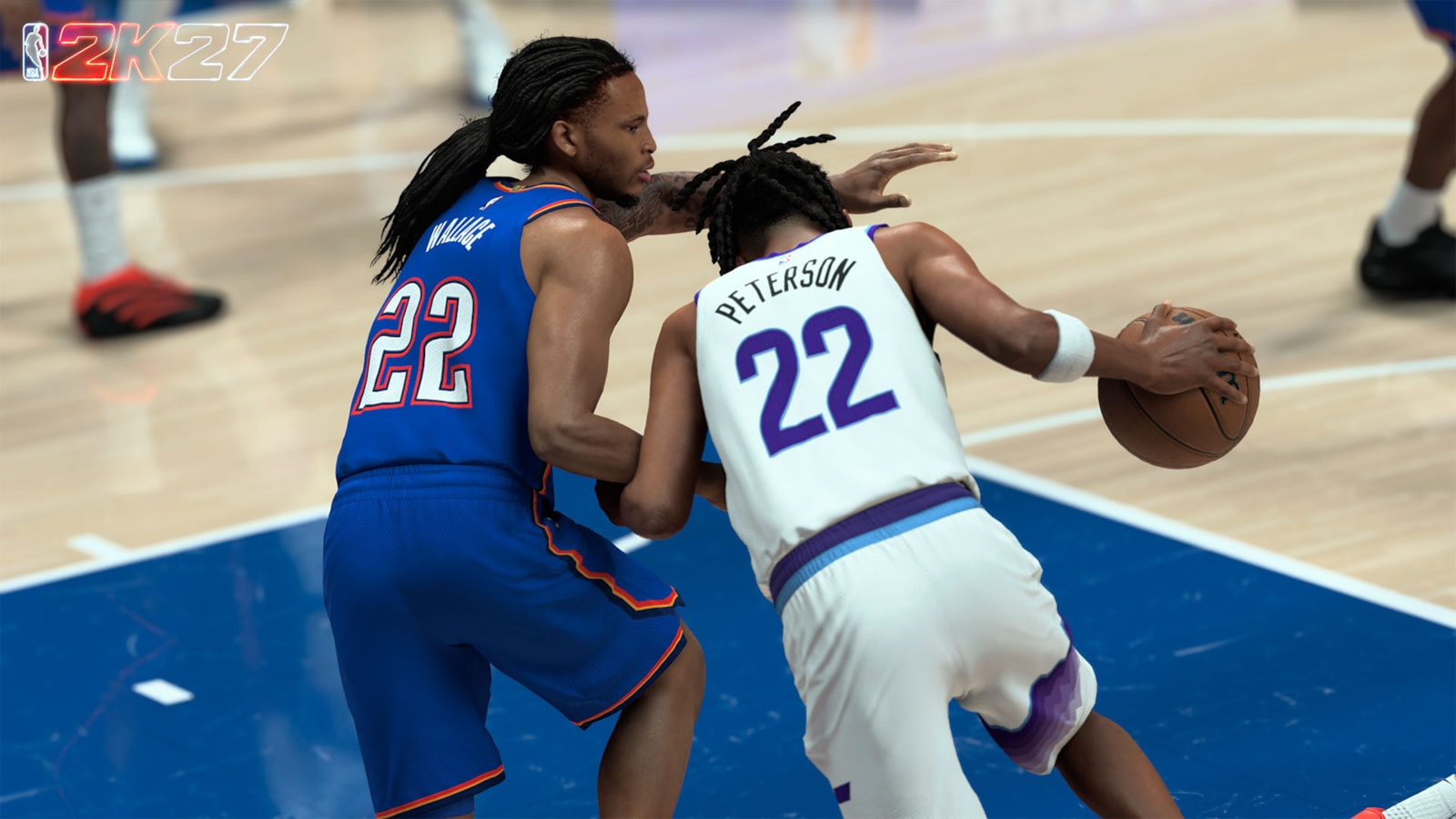
The defensive side of the ball changed alongside shooting. An expanded Defensive Cutoff system lets skilled defenders match an offensive player's combo moves step for step instead of getting locked out of the play once a dribble move starts. Ankle breakers are now skill-based and logic-driven for the first time, rather than triggering on a scripted animation, meaning a defender can be beaten cleanly or hold their ground depending on the input and positioning on both sides.
2K27 also introduces a new ball collision system that weighs both players' ratings when they contest for position or loose balls, replacing more generic collision handling from earlier entries.
7. Quick Tips for Adjusting to the New Systems
- Stop forcing contact dunks. The Dunk Meter punishes attacking a set defense; if your driving lane closes late, kick the ball out instead of finishing through a recovering defender.
- Read the color-coded contest indicator before assuming a miss was bad luck — it tells you whether the defense actually affected that specific shot.
- Rebuild your Badge plan from scratch. With 19 new Badges and 6 removed, an NBA 2K26 build's Badge setup is not a safe template for 2K27.
- Diversify your stat line if you want Takeover online — each of the five disciplines fills independently, so one-dimensional performances cap out fast.
- Mix dribble movements deliberately in MyPLAYER customization instead of leaving the default package selected; the 29 decoupled movements are meant to be combined.
- Expect skilled human defenders to stay attached through your dribble combos now — the Defensive Cutoff system was built specifically to stop combo spamming.
8. Official Resources
- NBA 2K27 official site
- NBA 2K27 Courtside Report: Gameplay Roadmap
- 2K Newsroom: NBA 2K27 Gameplay Deep Dive
For more on how these systems tie into MyCAREER progression, see our breakdown of MyCAREER Eras and the MyPLAYER Builder, and check what changed the week before this overhaul in our recap of the September 17 shooting and dunking patch. For guides on other current titles, browse the full walkthroughs and guides archive.